Identify the symptom before changing the layout
| What you see | First thing to check |
|---|---|
| Every feature is slightly too small | Fit or Shrink was enabled when printing |
| The picture grows toward the edges | Automatic borderless enlargement |
| A narrow strip appears twice | The overlap has not been trimmed on one side |
| A gap appears between matching features | Both overlap copies were removed, or clipping occurred |
| Only replacement sheets fail to match | The source, rotation, dimensions or paper settings changed |
Test two neighboring tiles
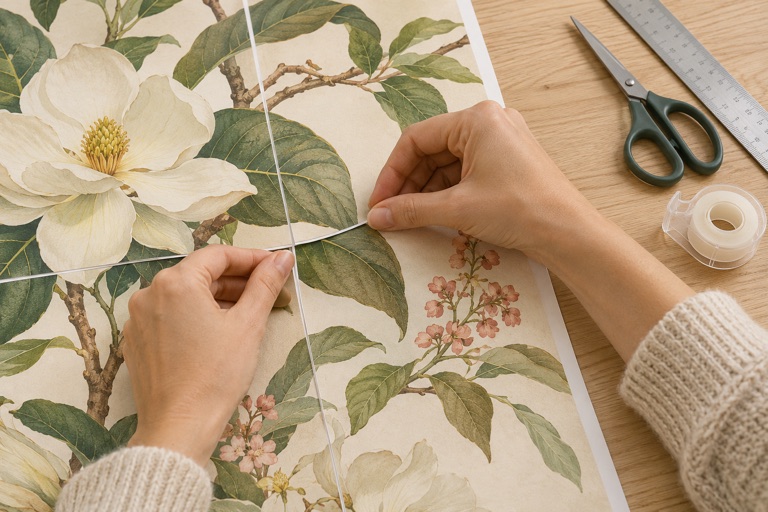
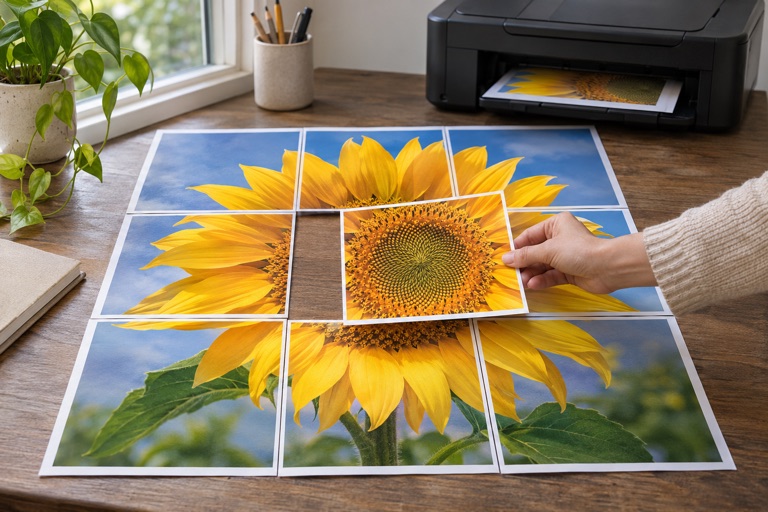
- Choose two adjacent tiles with a recognizable feature crossing the join.
- Print both using the same paper, orientation and 100% scale.
- Keep the overlap on one sheet; trim only the matching edge on its neighbor.
- Align picture details in the repeated strip, rather than just the outside paper edges.
- Check the whole shared edge before taping from the back.
Separate scaling errors from trimming errors
If a shared feature is a different size on adjacent sheets, inspect the printer and PDF scaling settings. Changing overlap cannot fix unequal scale. If the feature sizes match but appear twice, adjust which repeated strip you trim.
Do not trim both sides of a join to the same image boundary. The repeated area is there to let one tile sit over the other. Outer margins and the unused part of the final row can be removed after assembly.
Regenerate consistently when settings change
Increasing margins, switching orientation, changing the poster size or rotating the image can change the grid. Export and print the affected poster using one consistent layout. Do not combine tiles from two PDFs simply because their paper sizes match.
Check the printer before spending more paper
Check that the correct paper size is selected in both the maker and print dialog. If borderless expansion cannot be disabled, use printer-safe margins. If repeated test prints still shift or distort unevenly, follow the printer’s feed and alignment maintenance instructions before printing the full set.
Frequently asked questions
Should I trim every white border first?
No. Test a pair first. Keep the overlap needed for alignment and trim one side of each internal join.
Can I fix a small scale error by adding more overlap?
No. Overlap repeats the image; it does not correct changes to the image scale.
Why does the last column contain blank paper?
The grid preserves image proportions. A partially used final tile is normal and its outer blank portion can be trimmed.
Ready to put it on paper?
Upload your own image or choose a free library design. Check the size, select your pages and download a printable PDF.