Start with pixels, not file size
Pixels are the picture detail you actually have. Megabytes also depend on compression and file format, so a large file is not automatically sharp. Use the original image rather than a screenshot or a downloaded thumbnail.
Effective DPI is pixels divided by printed inches. A 3000-pixel-wide image printed 50 cm wide has about 152 DPI: 3000 ÷ (50 ÷ 2.54). Enlarging it to 100 cm halves that value.
Calculate a source width
| Printed width | 150 DPI | 300 DPI |
|---|---|---|
| 30 cm | 1772 px | 3544 px |
| 50 cm | 2953 px | 5906 px |
| 60 cm | 3544 px | 7087 px |
| 100 cm | 5906 px | 11812 px |
Choose detail for the viewing distance
A close-read diagram needs more detail than a decorative image viewed across a room. Treat 150 and 300 DPI as planning examples, not a guarantee for every image or printer. Small labels, fine line drawings and compressed text deserve a test print at their final size.
This maker limits the working image to 4096 pixels on the longest edge. Uploading a much larger file does not bypass that limit. Check the effective DPI shown after import; the table describes source requirements, not a promise that this tool exports every listed combination at 300 DPI.
Improve the result before exporting
- Use the best available original and avoid repeated JPG saves.
- Reduce the physical poster size if the source is too small.
- Make text larger in your source design rather than hoping enlargement will sharpen it.
- Print a detail-heavy tile first, using the paper and quality setting intended for the whole poster.
Separate source blur from printer problems
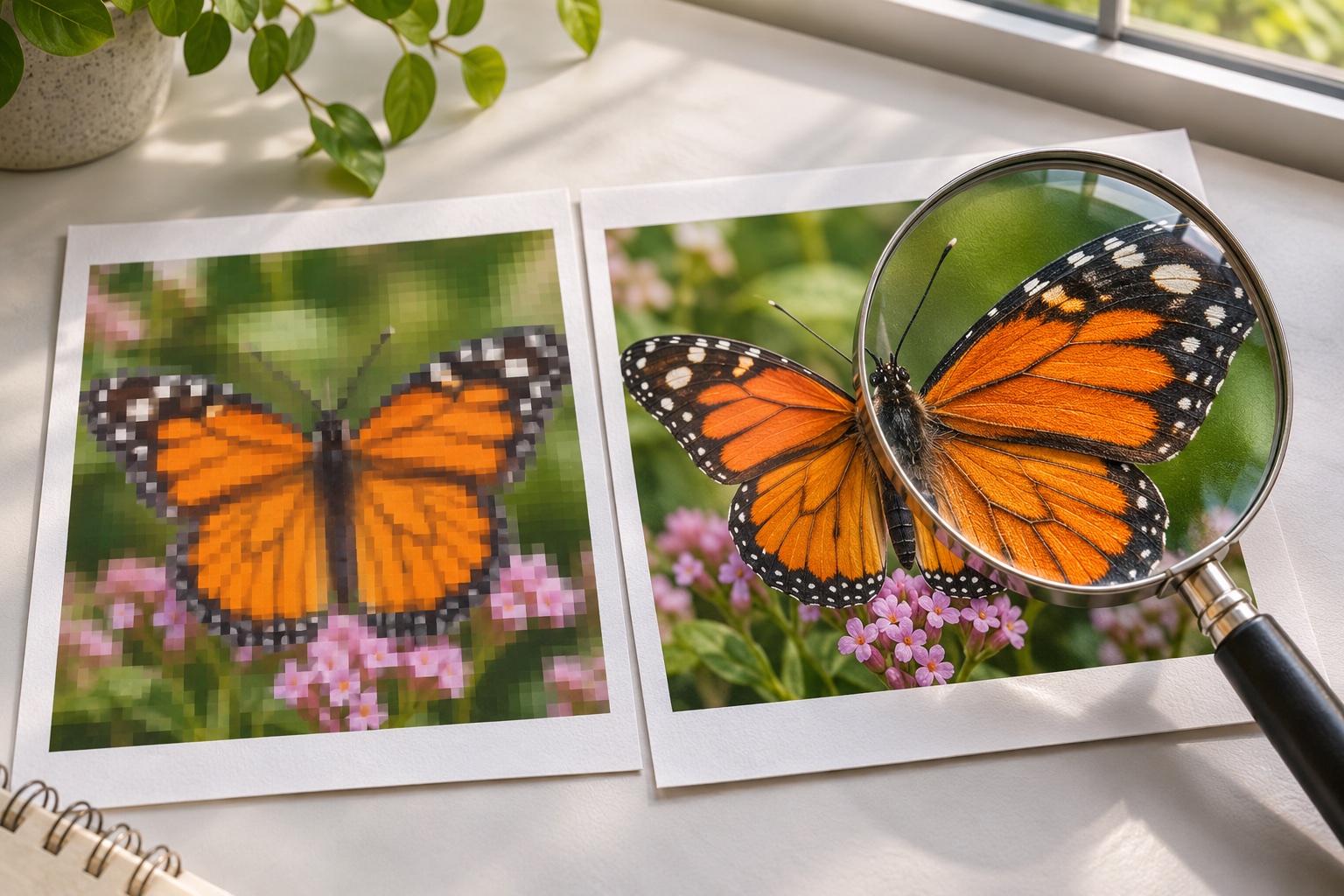
If the original already looks soft at the detail level you want, splitting it into more pages cannot recover that detail. If fine edges look clear in the exported PDF but the paper print is poor, check the selected media type, print quality, ink or toner and the printer’s maintenance instructions.
Frequently asked questions
Does this tool upscale images with AI?
No. It preserves existing image detail within its working-image limit. It does not invent missing detail.
Does a 300 DPI tag guarantee a sharp poster?
No. A metadata tag does not add pixels. Source pixel dimensions and the final physical size determine effective resolution.
Can I still print a low-resolution image?
Yes, but expect visible softness or pixels. A smaller size, simpler subject or greater viewing distance may be more suitable.
Ready to put it on paper?
Upload your own image or choose a free library design. Check the size, select your pages and download a printable PDF.