Choose for the job, then check your printer
A temporary classroom chart and a framed photo have different needs. Start with how long the poster must last, where it will be viewed and how it will be mounted. Check your printer manual for supported paper weight, size, coating and feed tray before buying specialty stock.
Compare the main options
| Paper | Useful for | What to check |
|---|---|---|
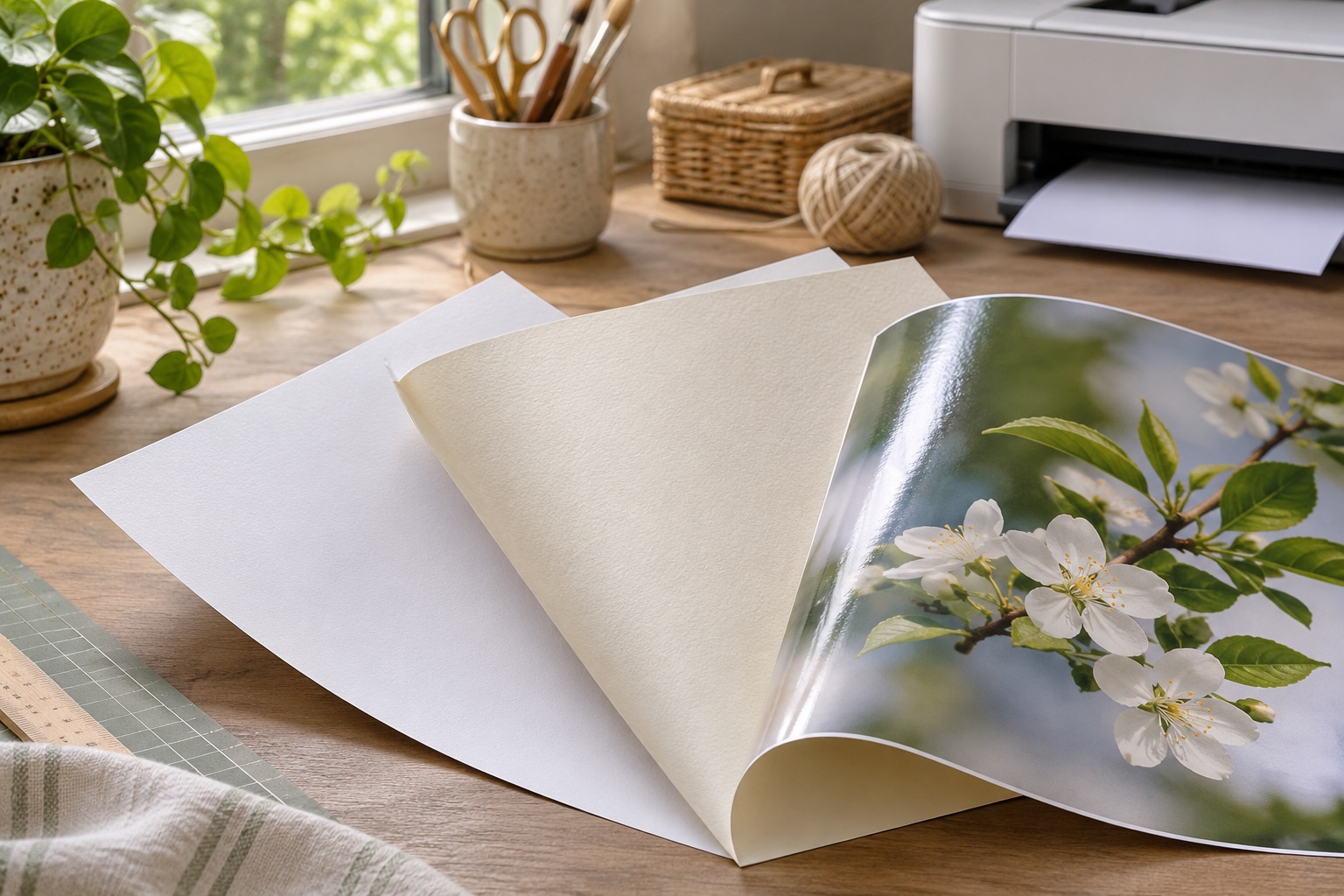
| Plain copy paper | Test prints, temporary signs, classroom activities | Can curl with heavy ink; may need backing |
| Matte coated paper | Readable diagrams and wall displays | Coating must match the printer technology |
| Glossy photo paper | Photos where a reflective finish is acceptable | Glare, fingerprints and visible joins |
| Heavier matte stock | Displays needing a firmer sheet | Weight and feed-path compatibility |
Make one representative sample
- Pick a tile containing dark color, a pale area and any small text.
- Choose the matching paper type in the printer dialog. Use the same quality for every tile.
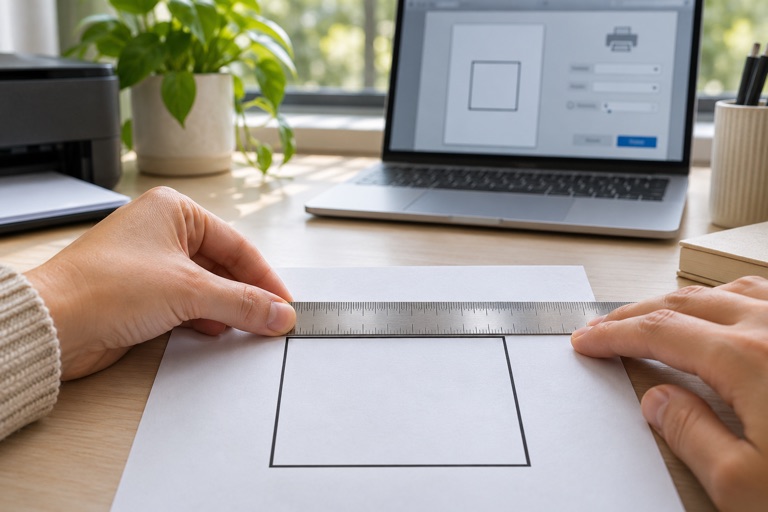
- Print at Actual size. Do not change scale while changing paper settings.
- Let the print dry as directed for that paper and ink.
- Check color, curling, readability, trimming and tape adhesion before printing the full poster.
Keep the seams and mounting in mind
Thicker paper can create a visible ridge where tiles overlap. Glossy sheets can reflect light differently at each join. For a wall display viewed from many angles, a matte finish and a flat backing may be easier to work with.
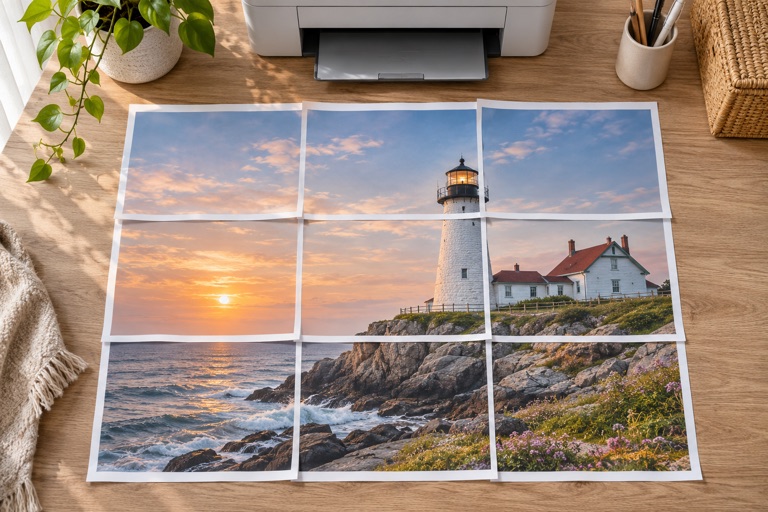
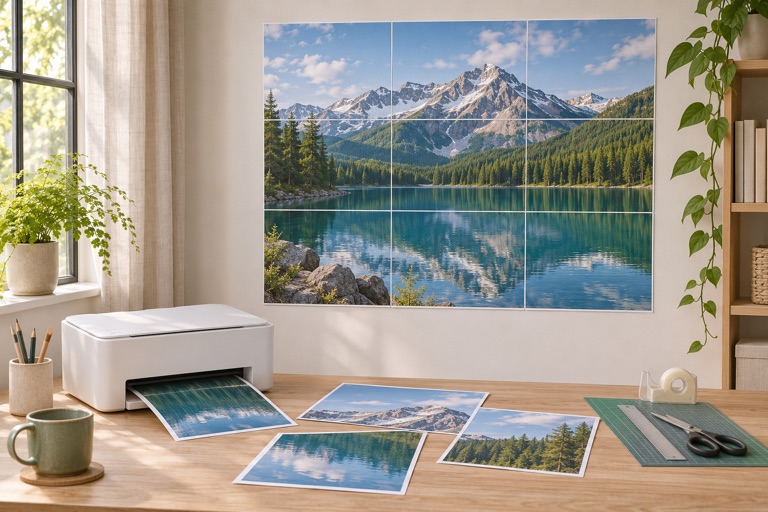
Cut and align the repeated image strip before taping from the back. Test adhesives on a spare print and on the mounting surface. The PDF makes paper tiles; it does not make an outdoor weatherproof banner.
Use a smaller print to avoid an expensive mistake
If you have never printed on this stock, begin with one tile rather than an entire poster. Changing the paper midway can produce different color or brightness between tiles, even when the digital image is unchanged. Keep enough of the same stock for later replacement pages.
Frequently asked questions
Is photo paper always better?
No. It may improve the appearance of a photograph, but cost, glare, drying and seams still matter. Ordinary paper is often sufficient for temporary classroom displays.
Can I use inkjet photo paper in a laser printer?
Only if the paper is explicitly compatible with that printer technology. Follow both the paper and printer manufacturer instructions.
What paper weight should I buy?
Use the range supported by your specific printer and tray. There is no single weight suitable for every home printer.
Ready to put it on paper?
Upload your own image or choose a free library design. Check the size, select your pages and download a printable PDF.