Before you start
- Your original image, or a design from the free library.
- A4, Letter, A3 or Legal paper supported by your printer.
- A PDF viewer with 100% / Actual size printing.
- For assembly: a flat table, ruler, scissors and tape.
Start from the library
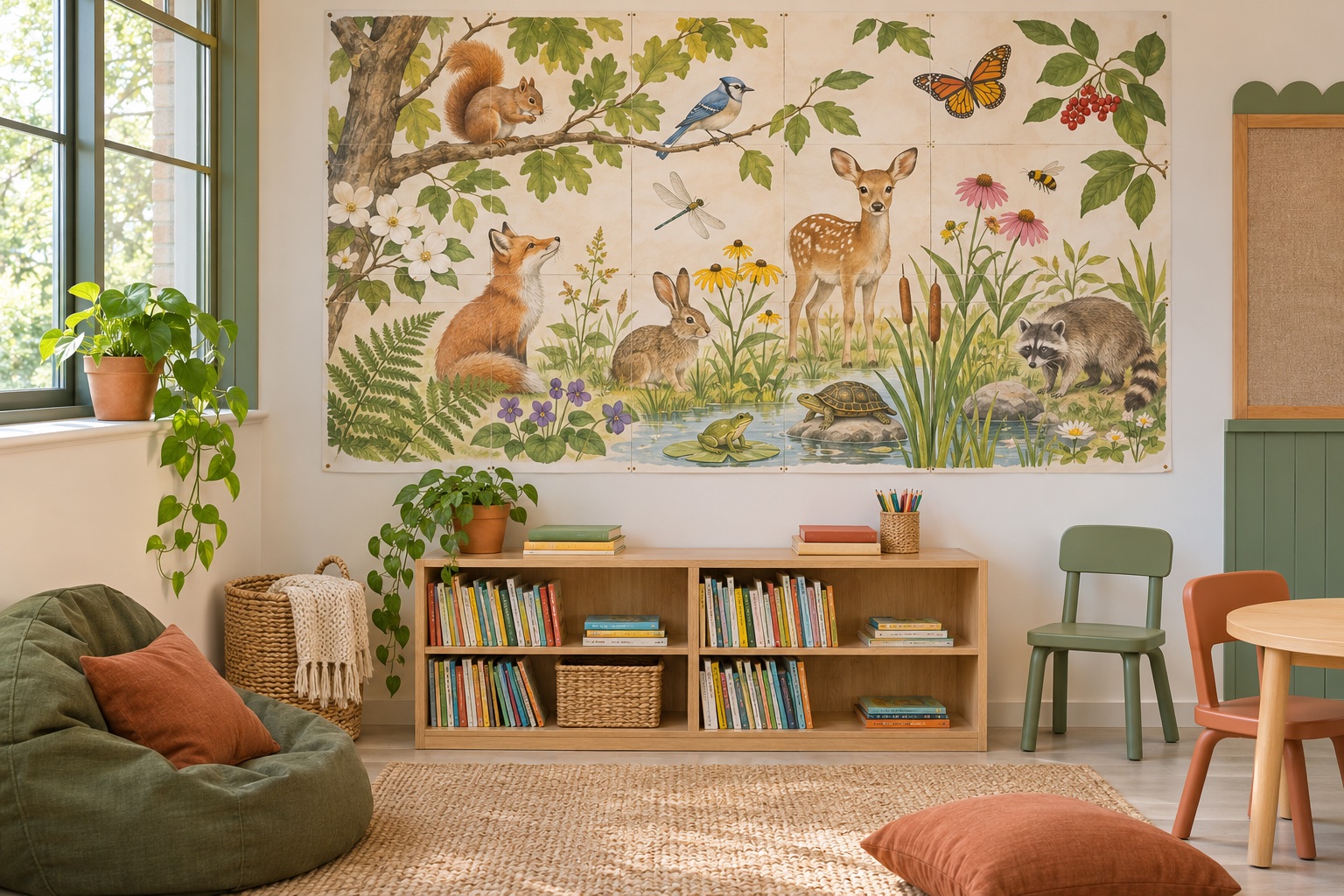
Choose the English alphabet for a reading corner, a hundred chart for number work, or the unlabeled world map for a geography activity. Language-neutral animal and shape designs work across classrooms.
Size for the viewing distance
Measure the available wall space and leave room for surrounding displays. Check letter height and contrast from the back of the room with a small test print before making a full wall display.
Turn assembly into an activity
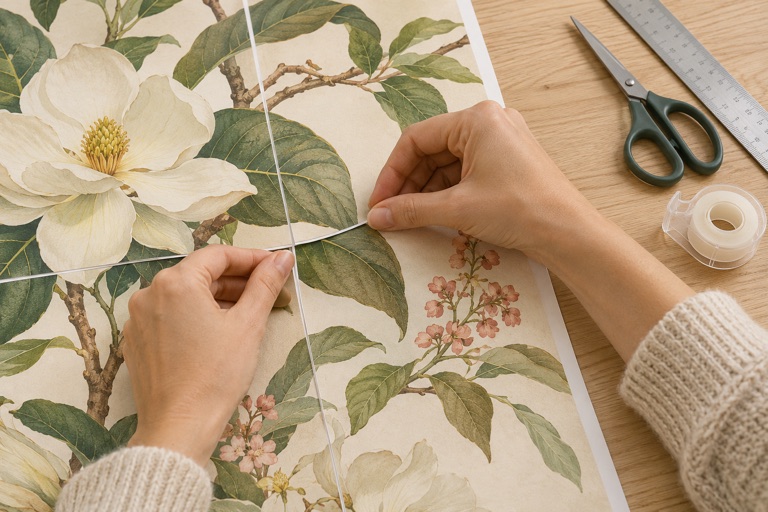
Print the assembly map and ask learners to arrange the numbered tiles in rows. Adults should handle sharp cutting tools. Tape from the back to keep the front clear and leave any required emergency signs visible.
Keep a reusable master
Save the downloaded PDF with its paper size in the filename. You can reprint a damaged sheet later using its page number. User images are not stored on the website, so keep your own source file.
Avoid a full set of misprints
Before printing every sheet, check a pair of neighboring tiles at Actual size. If they do not line up, check the paper size, scaling and automatic borderless expansion first. Keep one copy of the overlap on each join. Save the PDF so a damaged sheet can be replaced later.
Frequently asked questions
Do I need a large-format printer?
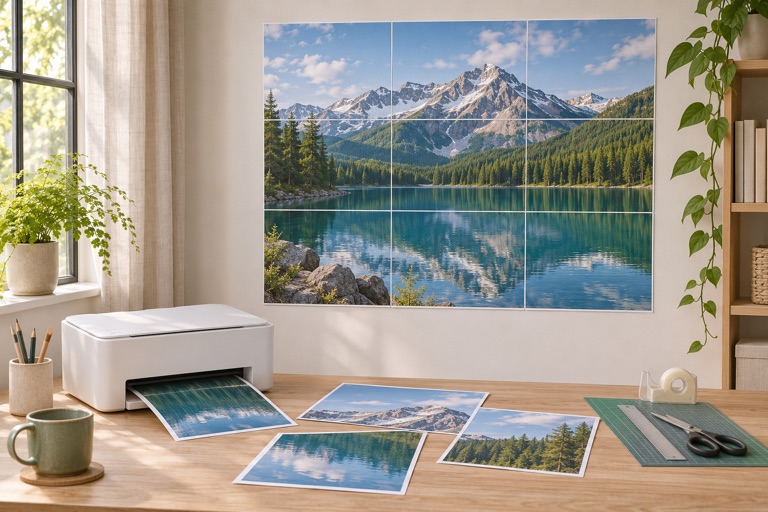
No. The maker divides the image into regular paper sheets. The finished size can exceed the paper loaded in your printer.
Can I start without my own design?
Yes. Import free educational artwork from the library, or use Create a poster to combine text, icons and images.
How do I avoid a second trip through the printer?
Check dimensions and effective DPI, then print one or two tiles at 100%. Keep all paper, orientation and quality settings consistent.
Ready to put it on paper?
Upload your own image or choose a free library design. Check the size, select your pages and download a printable PDF.