Keep the original PDF and source
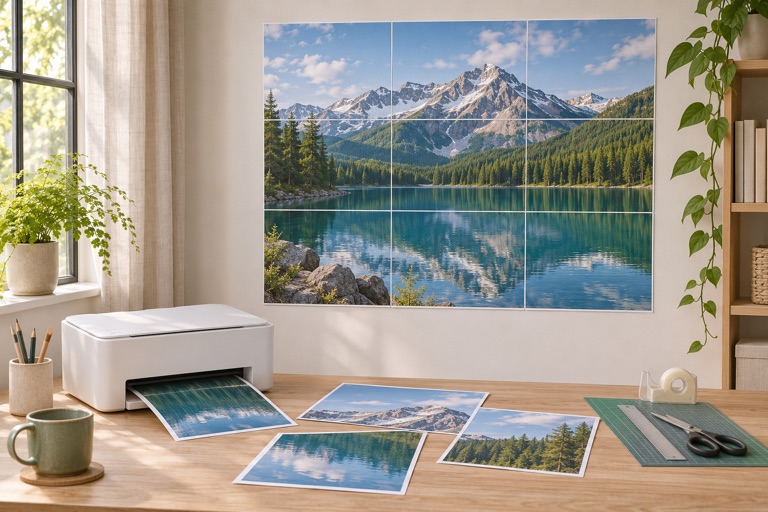
The safest replacement comes from the saved PDF used for the original print. Its tile boundaries and page dimensions are already fixed. Save that PDF with the paper size and poster dimensions in its filename. If you plan to regenerate it later, keep the original image and the layout settings too.
Choose between two ways to replace a tile
| What you have | What to do |
|---|---|
| The original full PDF | Print the required PDF page using the viewer’s page-range control |
| The same image and layout in the maker | Select the required tile in the preview and download a PDF containing only that tile |
| An image but different layout settings | Recreate and compare the layout before printing; a tile may no longer match |
Export selected tiles in the maker
- Open the original image or the same library artwork.
- Set the same paper, orientation, exact size or pages across, margins, overlap and rotation.
- Compare the full grid with your original assembly plan.
- Clear the tile selection, then select the damaged tile or tiles in the preview.
- Check the selected-page count and export the PDF.
- Print at 100% with the original paper and quality settings.
Do not confuse tile labels with PDF page numbers
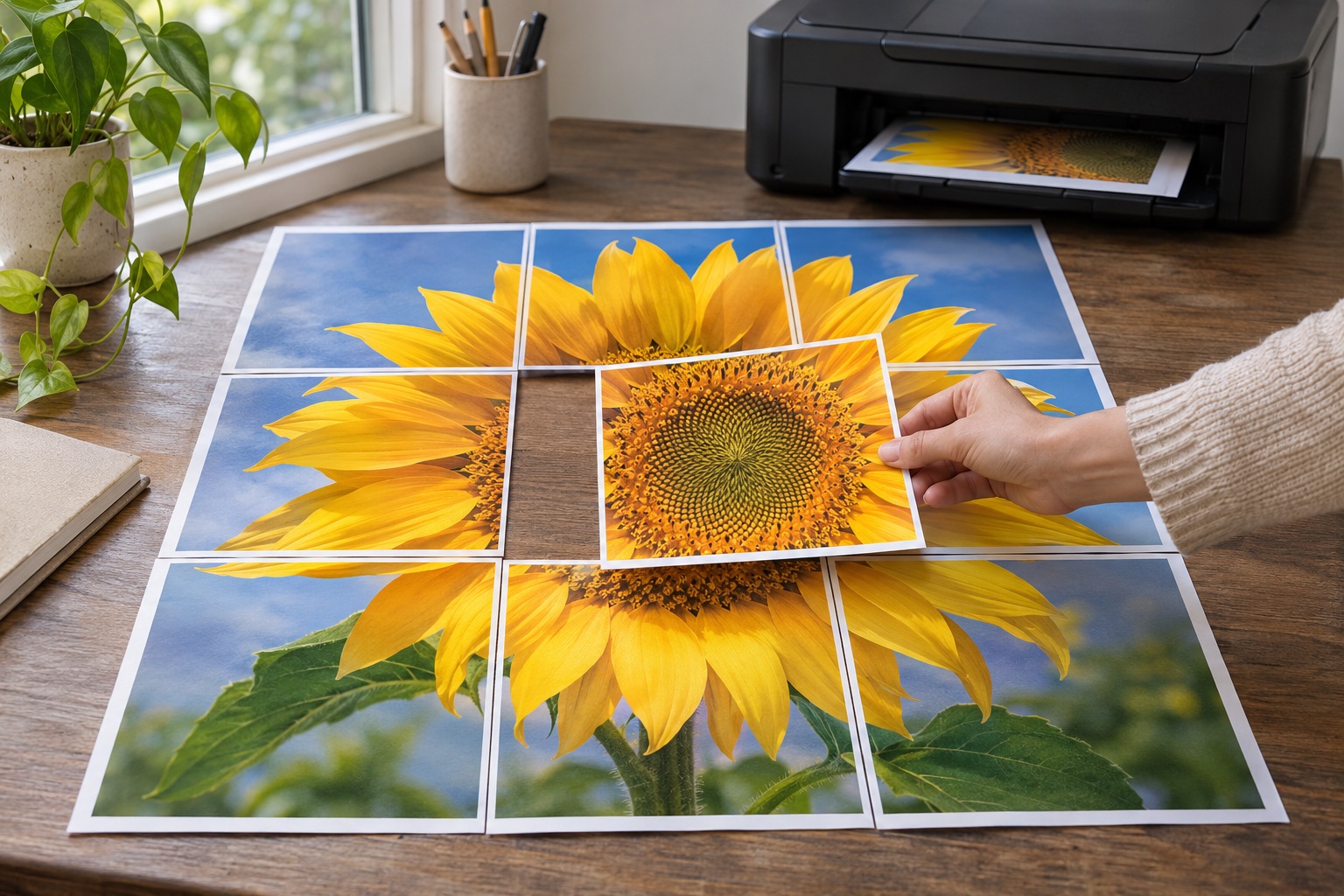
A selected export can contain one poster tile plus an optional assembly-guide page. A tile labeled row 2, column 3 still belongs in that original position even if it is the first poster tile in the new PDF.
If your full PDF includes a guide at the front, the PDF page number is offset from the poster-tile sequence. Check the thumbnail or printed row and column label before entering a page range.
Match the old print before removing it
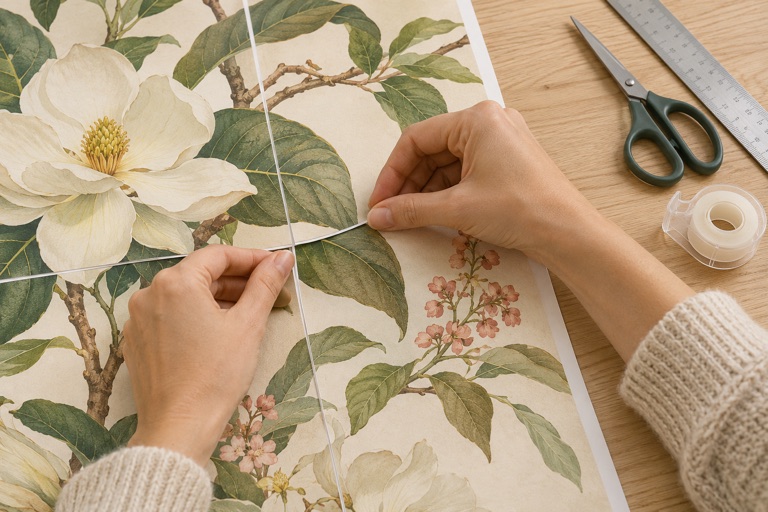
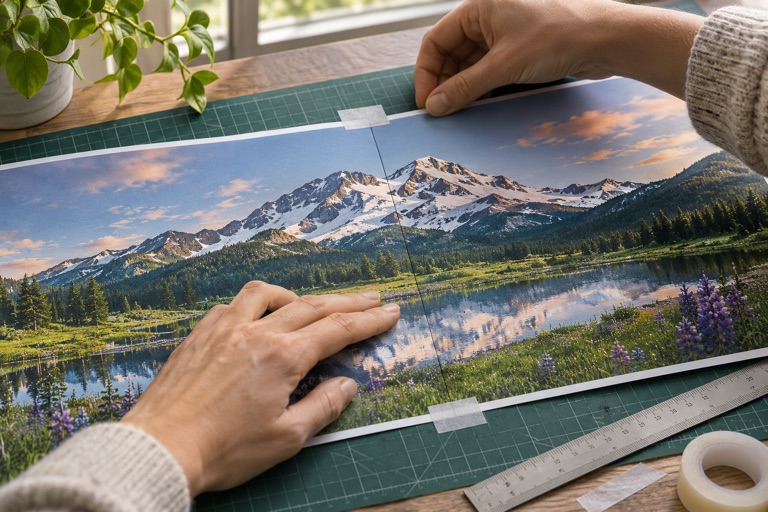
Place the replacement beside the original and check size, color and overlap before removing the damaged tile. A changed paper finish, quality setting or printer can make the replacement visibly different. If the grid no longer matches, fix the layout rather than stretching or forcing the new sheet into position.
Frequently asked questions
Will changing the page count preserve the same tiles?
No. Changing the layout can move tile boundaries. Reuse the saved PDF or reproduce the original settings.
Why is the download button disabled?
Select at least one tile. An empty selection has no poster pages to export.
Does the website keep my old uploads?
No. Keep your own source image and PDF. The browser session is not a permanent archive.
Ready to put it on paper?
Upload your own image or choose a free library design. Check the size, select your pages and download a printable PDF.