Choose the finished image size before the paper size
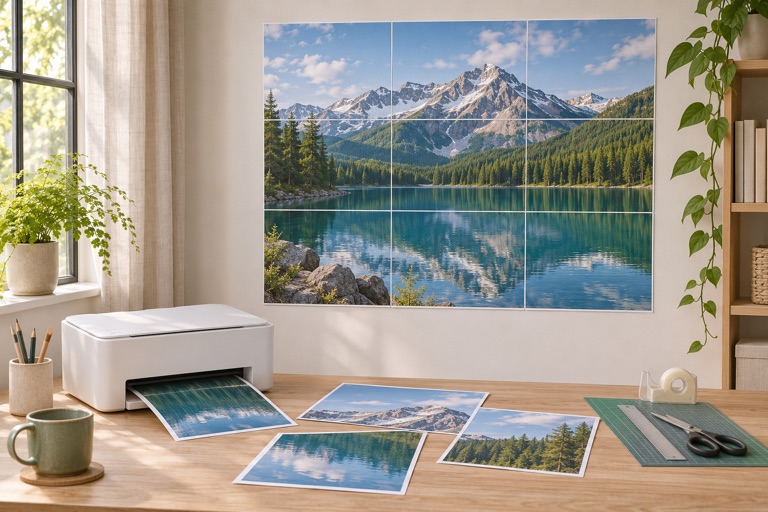
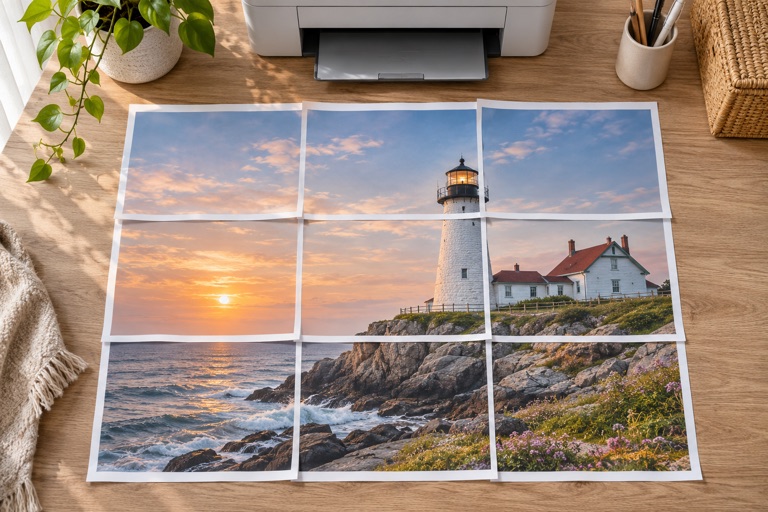
A poster size describes the assembled image. The paper size describes each sheet in your printer. You can make an A2 image using A4 sheets; selecting A4 paper alone does not make the finished poster A4.
Measure the usable wall or frame space first. Leave room around the display and decide whether the measurement includes a frame. For a classroom, test whether important words are readable from the intended viewing distance.
Standard sizes at a glance
| Format | Millimeters | Centimeters | Inches |
|---|---|---|---|
| A4 | 210 × 297 mm | 21 × 29.7 cm | 8.27 × 11.69 in |
| A3 | 297 × 420 mm | 29.7 × 42 cm | 11.69 × 16.54 in |
| A2 | 420 × 594 mm | 42 × 59.4 cm | 16.54 × 23.39 in |
| A1 | 594 × 841 mm | 59.4 × 84.1 cm | 23.39 × 33.11 in |
| A0 | 841 × 1189 mm | 84.1 × 118.9 cm | 33.11 × 46.81 in |
| Letter | 215.9 × 279.4 mm | 21.59 × 27.94 cm | 8.5 × 11 in |
Set an exact width or height
- Upload a JPG, PNG or WebP, or choose artwork from the library.
- Select the paper actually loaded in the printer and its orientation.
- Switch to exact size, choose cm or inches, and enter the width or height you measured.
- Check the linked dimension. The maker preserves the image proportions, so both dimensions cannot be chosen independently.
- Review the sheet count and effective DPI before exporting.
Why a named size may not match your photograph
An A2 rectangle is about 0.707 times as wide as it is tall. A square photo stays square here; a landscape photo stays landscape. Entering 42 cm as the width of a square image produces 42 × 42 cm, not A2. Crop the source to your desired proportions before import if a frame requires both dimensions.
Margins and overlap change the number of tiles, not the width you request in exact-size mode. The final row or column may include unused paper. Trim that outer paper after assembling the image.
Check a real print before mounting
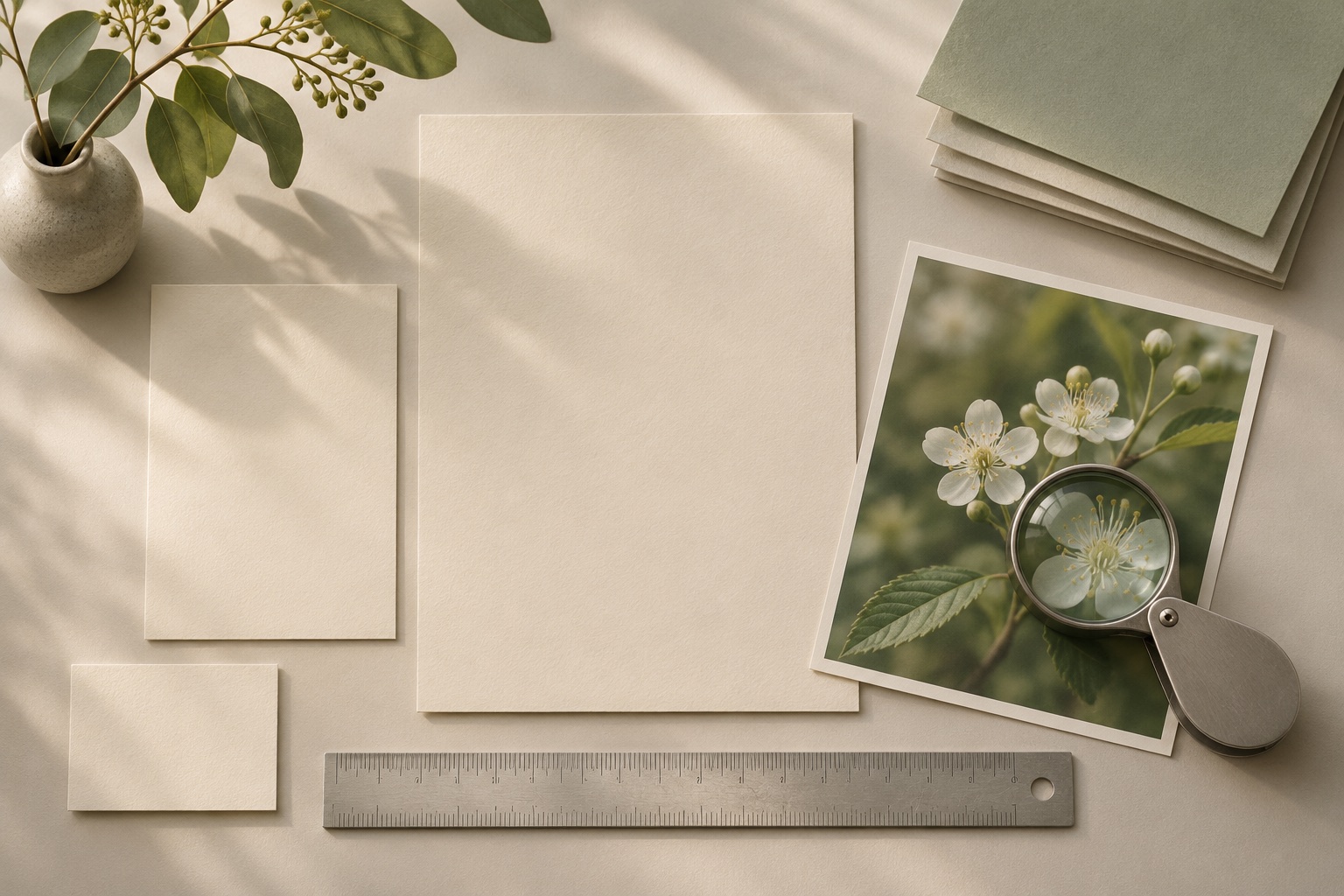
Print one tile at 100% / Actual size. Turn off Fit and automatic borderless enlargement. Measure a known feature or a ruler included in your artwork. If the printed scale is wrong, correct the PDF print settings before printing every sheet.
Frequently asked questions
Can I make an A1 poster with an A4 printer?
Yes. Set A4 as the sheet size and enter the A1 image dimensions using the matching source proportions. The tool creates multiple A4 tiles.
Are the inch conversions exact?
The table rounds standard metric formats to two decimal places. Use millimeters or centimeters for an exact metric project.
Why do I need more sheets than expected?
The usable tile is smaller than the whole sheet because of printer margins and overlap. Image proportions can also require a partly filled final row.
Ready to put it on paper?
Upload your own image or choose a free library design. Check the size, select your pages and download a printable PDF.