Before you start
- Your original image, or a design from the free library.
- A4, Letter, A3 or Legal paper supported by your printer.
- A PDF viewer with 100% / Actual size printing.
- For assembly: a flat table, ruler, scissors and tape.
A4 paper versus printable area
An A4 sheet measures 210 × 297 mm. With 10 mm margins on each edge, its printable tile is 190 × 277 mm. Printer margins vary, so check your printer’s supported area before reducing this setting.
A useful two-sheet example
With portrait A4, 10 mm margins and 5 mm overlap, a poster two sheets across is 190 + 185 = 375 mm wide. The shared 5 mm strip appears twice on paper but only once in the assembled poster.
Choose paper for the job
Ordinary paper is a practical starting point for classroom displays and temporary signs. For heavier stock or photo paper, check the printer’s supported media first. Print a color sample before committing to every sheet.
Keep the print settings consistent
Use A4 in both this tool and the PDF print dialog. Select Actual size, single-sided printing, and the same quality for all pages. Changing to Fit can shrink each tile and break the intended scale.
Avoid a full set of misprints
Before printing every sheet, check a pair of neighboring tiles at Actual size. If they do not line up, check the paper size, scaling and automatic borderless expansion first. Keep one copy of the overlap on each join. Save the PDF so a damaged sheet can be replaced later.
Frequently asked questions
Do I need a large-format printer?
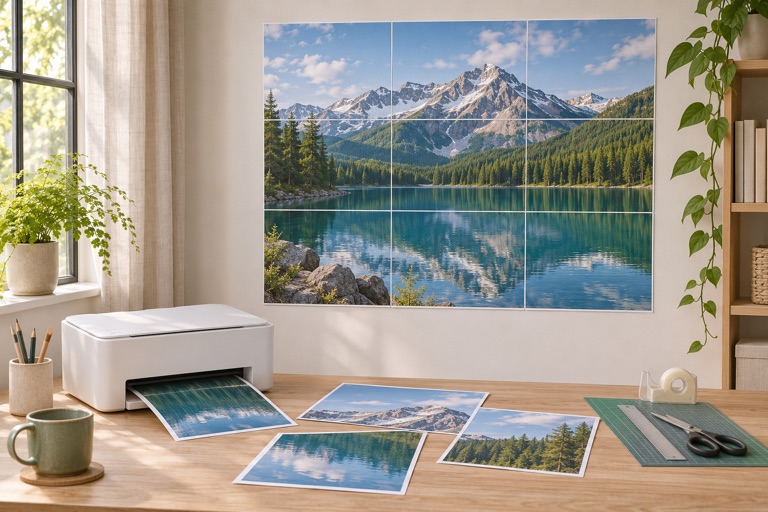
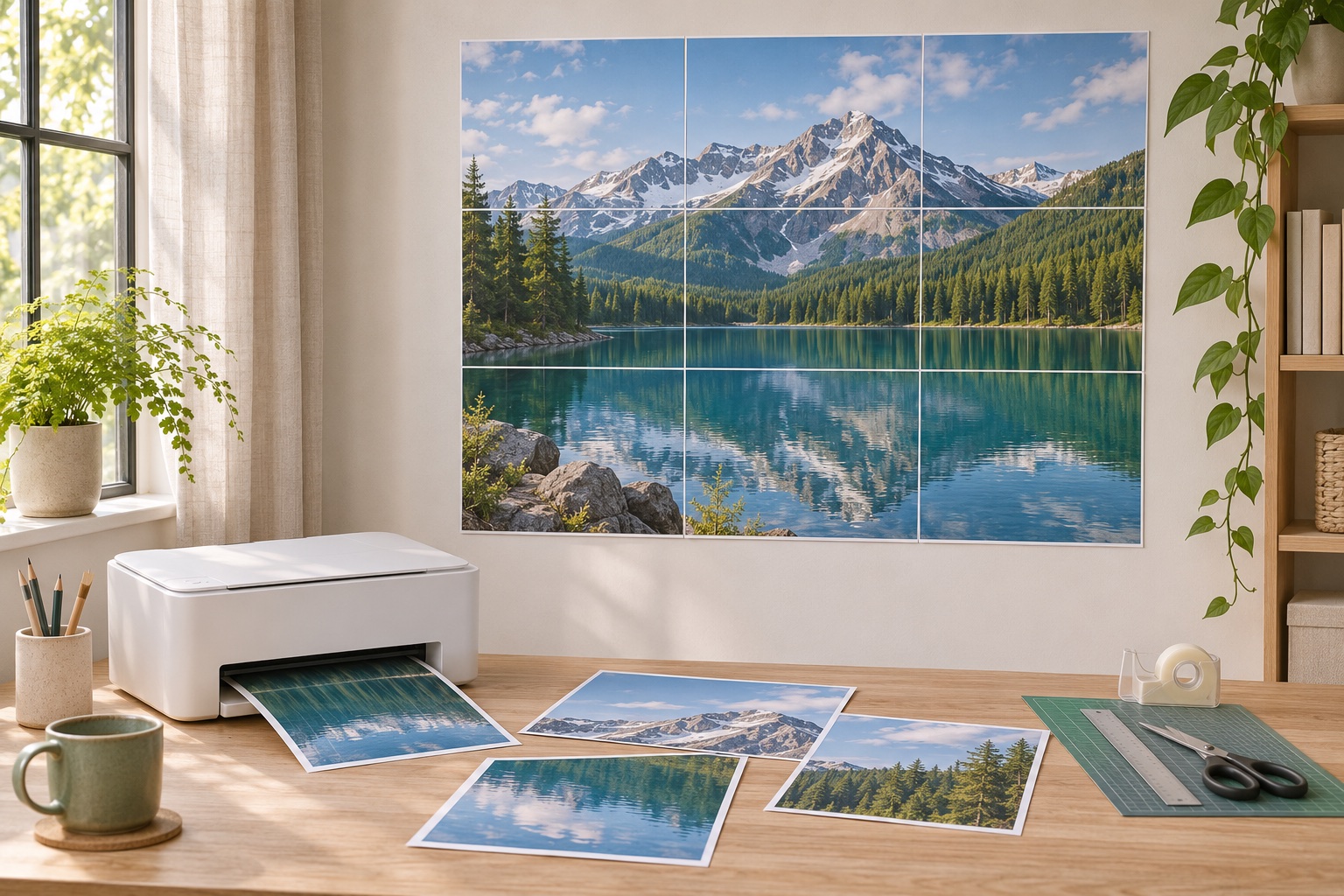
No. The maker divides the image into regular paper sheets. The finished size can exceed the paper loaded in your printer.
Can I start without my own design?
Yes. Import free educational artwork from the library, or use Create a poster to combine text, icons and images.
How do I avoid a second trip through the printer?
Check dimensions and effective DPI, then print one or two tiles at 100%. Keep all paper, orientation and quality settings consistent.
Ready to put it on paper?
Upload your own image or choose a free library design. Check the size, select your pages and download a printable PDF.