Before you start
- Your original image, or a design from the free library.
- A4, Letter, A3 or Legal paper supported by your printer.
- A PDF viewer with 100% / Actual size printing.
- For assembly: a flat table, ruler, scissors and tape.
Prepare your workspace
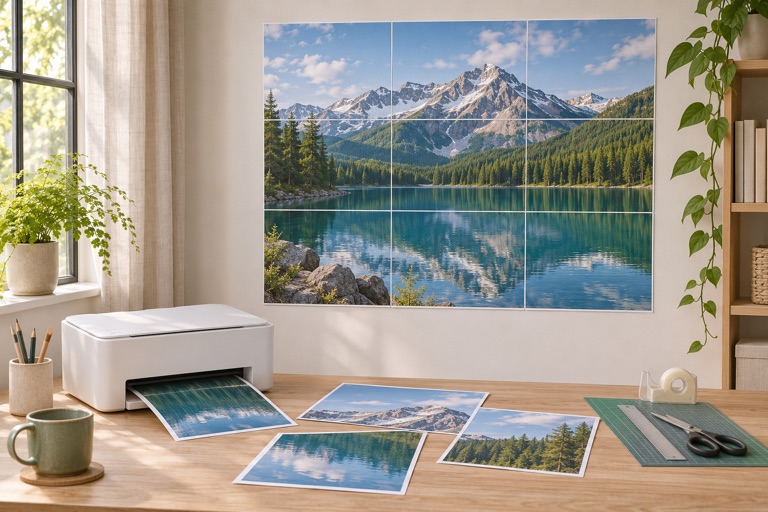
Use a flat surface, scissors or a ruler and craft knife, plus tape. Print the guide page separately from the poster tiles. Confirm the first page looks correct before printing everything.
Trim only one side of a join
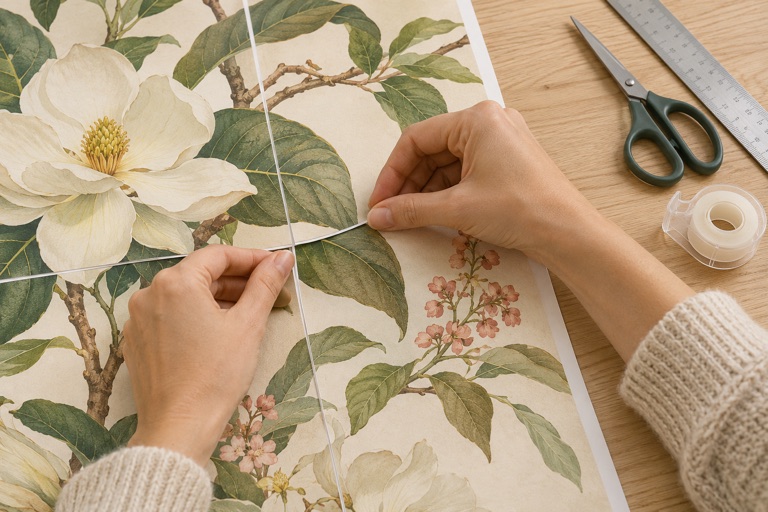
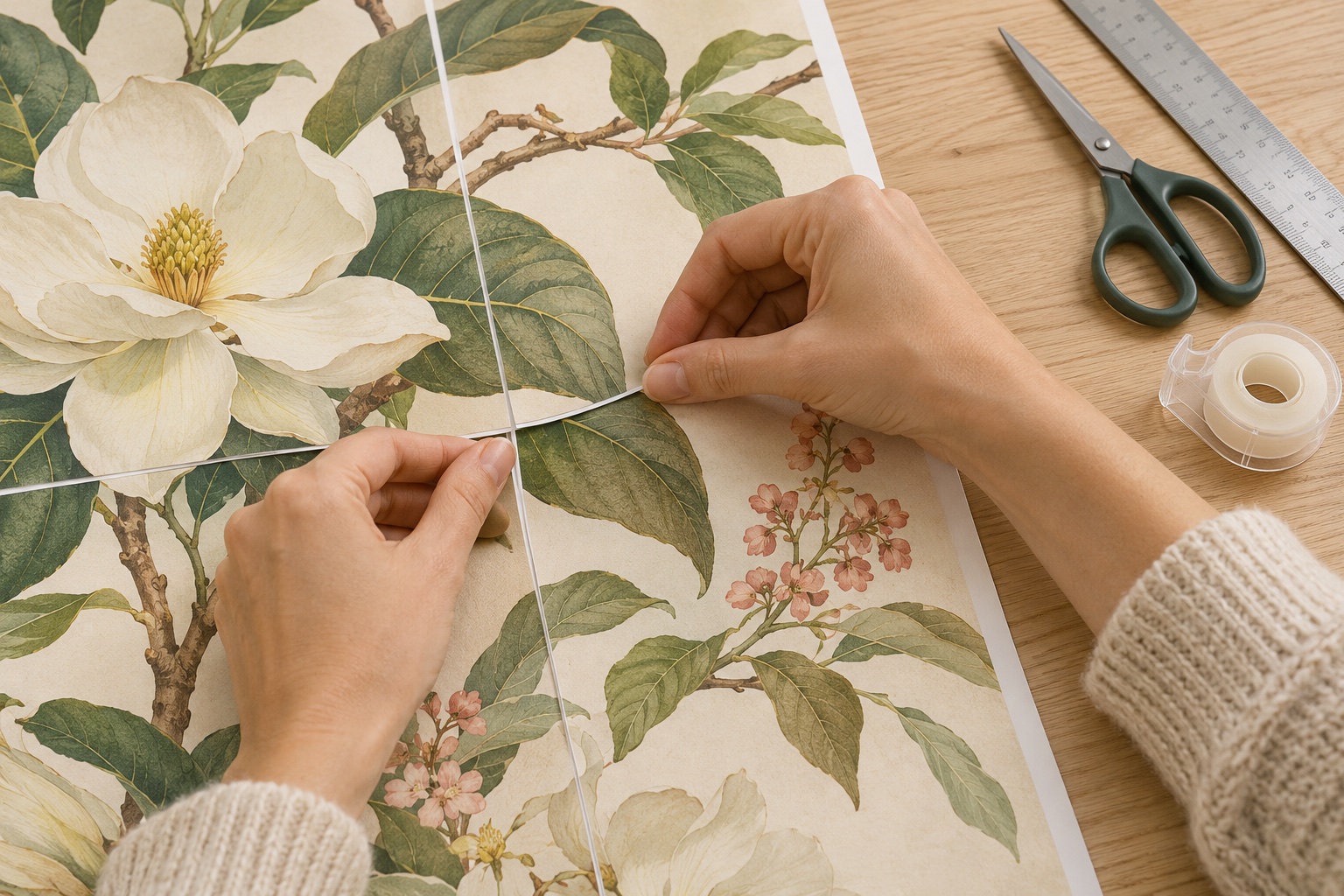
The overlap repeats a small strip of artwork on adjoining tiles. Keep the repeated strip on one tile and trim the matching edge on its neighbor. Do not trim both copies away, or you may create a gap.
Build rows before joining rows
Start at the upper left and follow the row and column labels. Align recognizable details in the overlap, hold them in place, and tape from the back. Complete each row before connecting it to the next.
Check the finished size
Measure the image, excluding the outer paper margins. If the size is off, check that the PDF was printed at 100% rather than Fit. The final sheet can contain unused paper; trim it after the image is assembled.
Avoid a full set of misprints
Before printing every sheet, check a pair of neighboring tiles at Actual size. If they do not line up, check the paper size, scaling and automatic borderless expansion first. Keep one copy of the overlap on each join. Save the PDF so a damaged sheet can be replaced later.
Frequently asked questions
Do I need a large-format printer?
No. The maker divides the image into regular paper sheets. The finished size can exceed the paper loaded in your printer.
Can I start without my own design?
Yes. Import free educational artwork from the library, or use Create a poster to combine text, icons and images.
How do I avoid a second trip through the printer?
Check dimensions and effective DPI, then print one or two tiles at 100%. Keep all paper, orientation and quality settings consistent.
Ready to put it on paper?
Upload your own image or choose a free library design. Check the size, select your pages and download a printable PDF.