How to Print a Large Image on Multiple Pages at Home
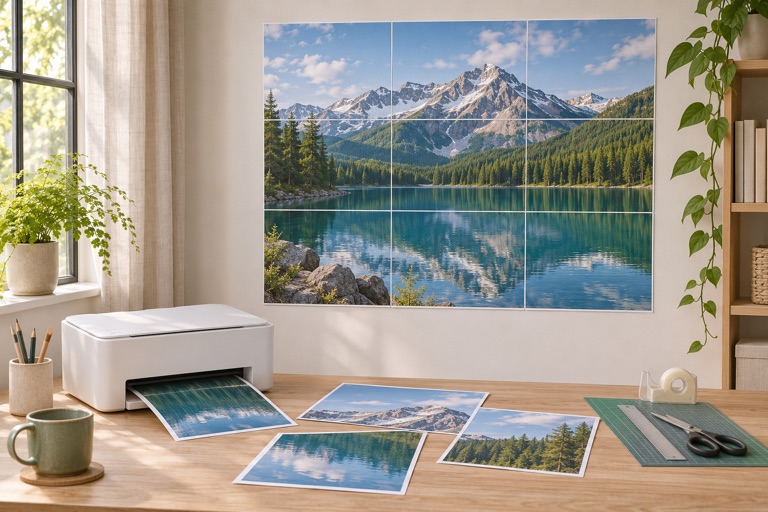
Make a tiled poster from your own image: choose paper, check dimensions, export a PDF and assemble the sheets.
Read guide →Practical guides for printing bigger with the printer you already have.
Make a tiled poster from your own image: choose paper, check dimensions, export a PDF and assemble the sheets.
Read guide →A worked A4 example, paper choices and print settings for a poster that joins at the intended size.
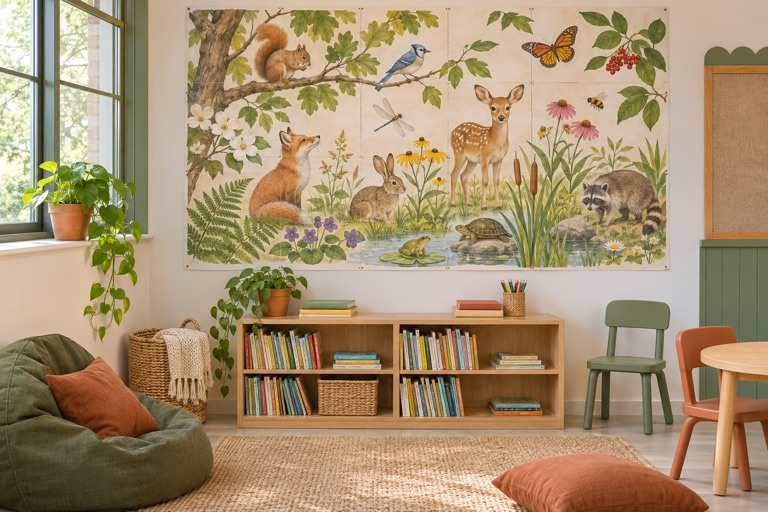
Read guide →Plan a readable classroom display, choose free artwork and print it across regular sheets.
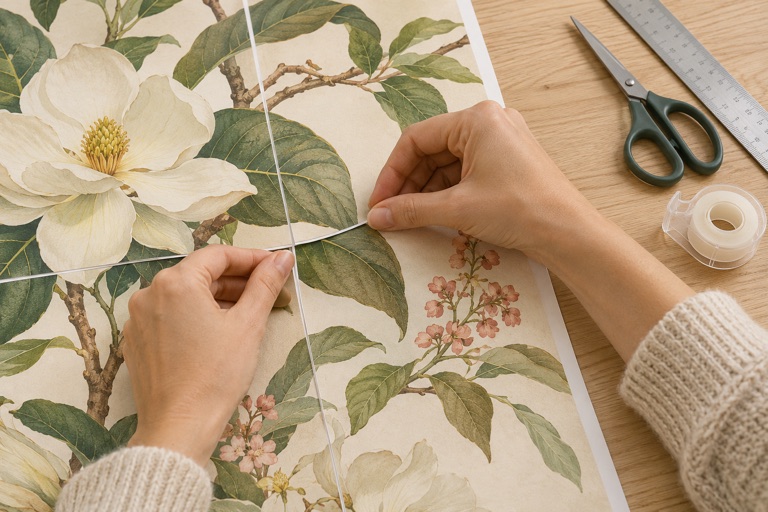
Read guide →Prepare your table, trim the correct edges and join numbered tiles without losing the picture.
Read guide →Choose a finished poster size, convert the units and work out how it fits on ordinary printer paper.
Read guide →Estimate useful source resolution before enlarging a photo, drawing or classroom poster.
Read guide →Compare everyday paper and photo finishes, then test a sheet before printing the whole display.
Read guide →Keep PDF tiles at their intended size so the completed poster matches your measurements.
Read guide →Replace a misprinted or torn tile without exporting and printing every sheet again.
Read guide →Use a two-sheet test to find the cause of gaps, repeated strips and mismatched edges.
Read guide →