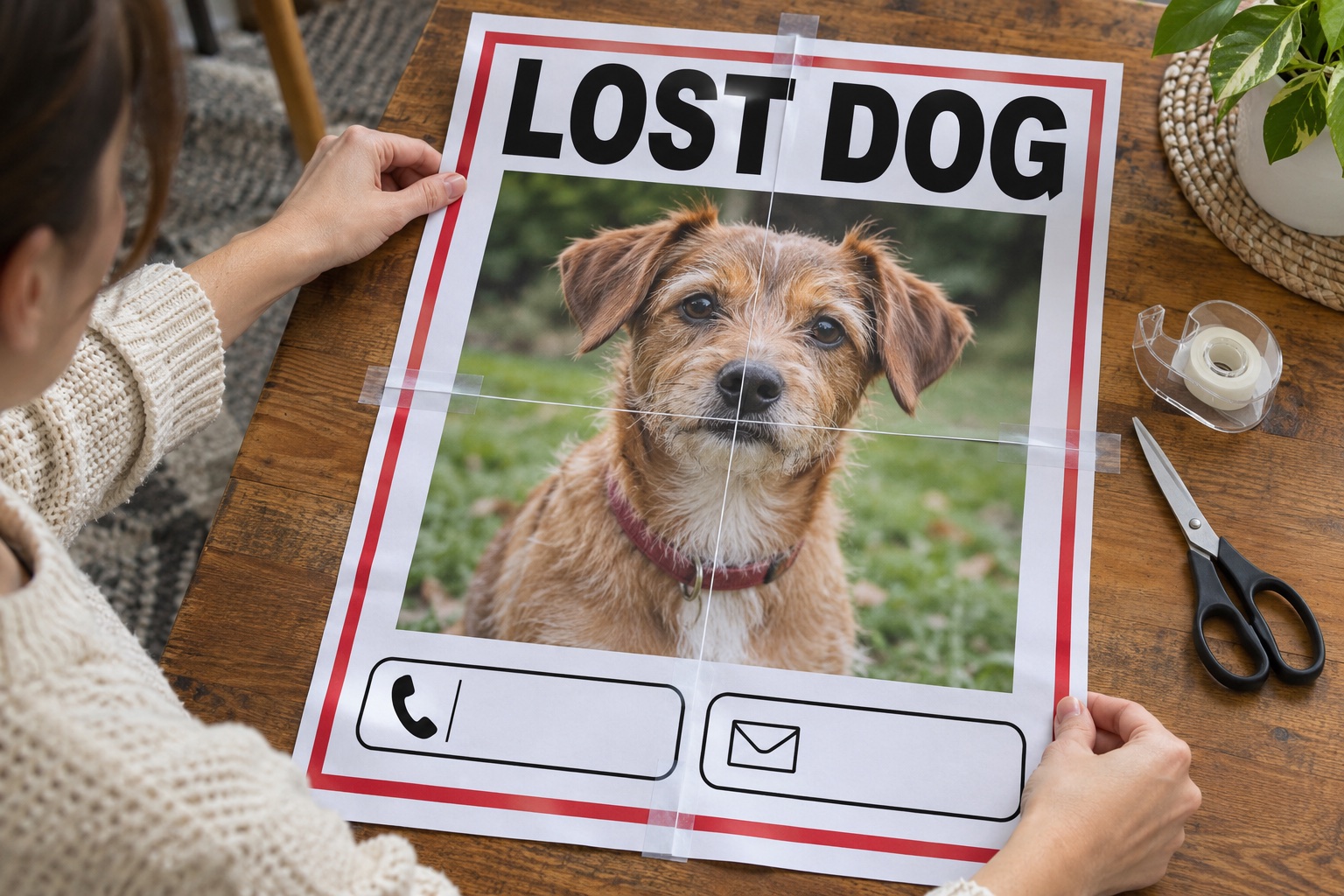
Someone passing a notice may only have a moment to understand it. A recognizable face, a clear lost-pet headline and a readable contact line matter more than filling the poster with every detail. Choose information that helps a person recognize the animal and respond.
Before making it large, check where it will be posted and what contact details you want to display publicly. The printing process is straightforward once the source notice is clear and accurate.
Make the photo and message easy to scan
Choose a recent, recognizable pet photo. Add a short headline, the area last seen and one contact method you are comfortable publishing. Create a poster can combine text and an image; verify every detail before sending the design to the print maker.
Set a size for the posting location
Measure the noticeboard or window and use exact width. Use large high-contrast type; extra size cannot rescue tiny text in the original design. Keep the face and contact line away from planned seams when arranging the source.
Check the photo and contact line first
Print the tile containing the face or contact details at 100%. Confirm recognition and readability, then print and assemble the rest. Get permission for the posting location; paper tiles need suitable protection if used outside.
Prepare a lost-pet poster in 5 steps
Choose a recent recognizable pet photo
Add verified details and a contact method you will publish
Set the poster size for the posting location
Test the face and contact line before printing all tiles
Assemble and place the notice where posting is permitted
Frequently asked questions
Does the tool publish the notice online?
No. It creates a PDF for you to print. It does not publish or send your notice.
Does it add tear-off contact tabs?
Not automatically. Include them in your source design if needed, and check that they remain large enough after printing.