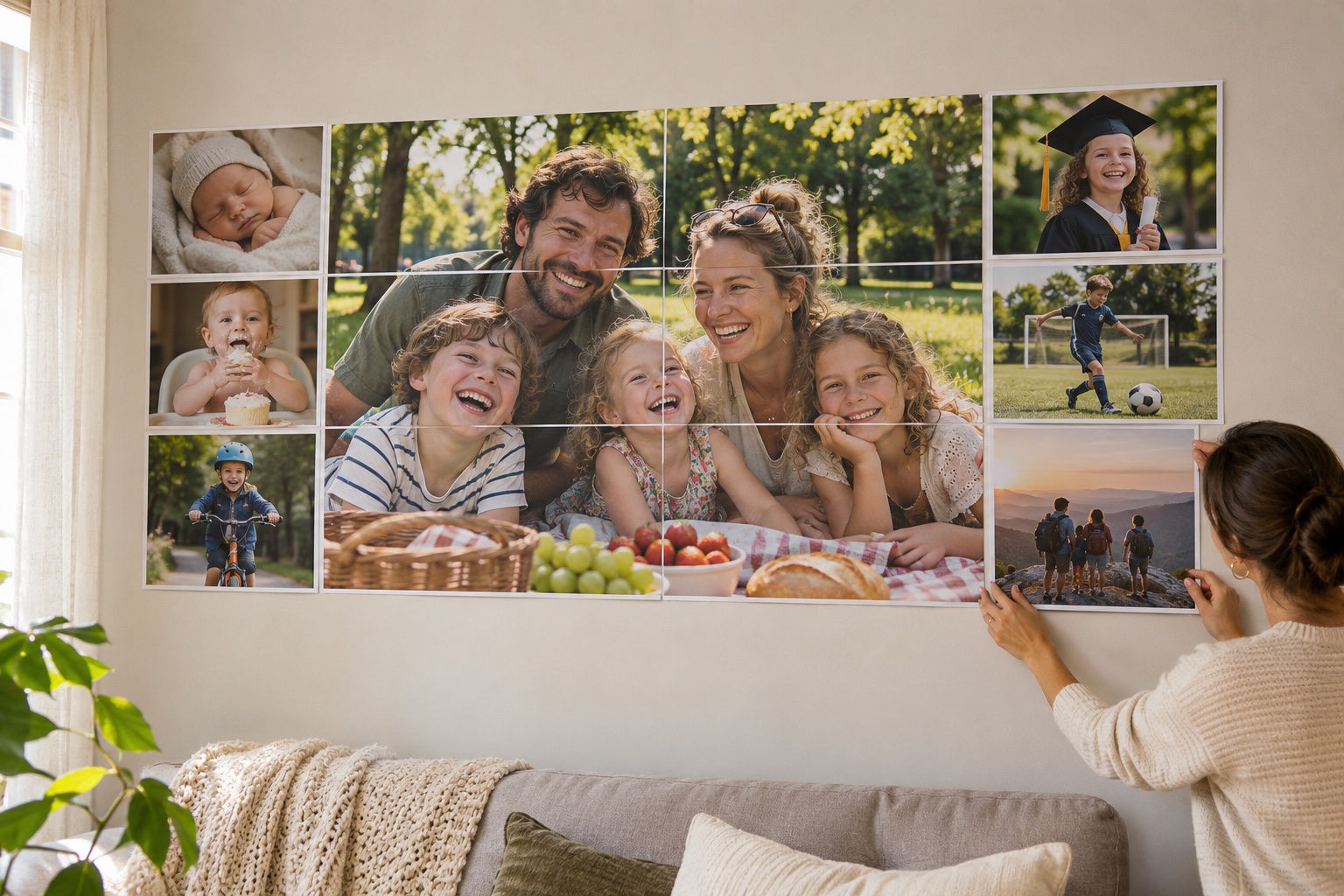
A family photo display works best when it tells a story people can follow while standing together. A reunion might use a few shared memories; an anniversary might follow a timeline. The challenge is keeping faces and short captions large enough to see without crowding the collage.
Choose the story and the wall space before adding more photographs. A smaller selection of good originals is easier to print clearly than many tiny pictures enlarged from thumbnails.
Build the story before enlarging it
Choose a few high-quality originals and arrange them in a collage editor, or combine photos and text in Create a poster. Keep dates and captions short. Ask the people involved before choosing images for a public venue.
Leave room around faces and captions
Measure the wall or board and set the exact width. Check the full grid for seams across eyes or small text. If a critical detail lands on a difficult join, adjust the source layout and export it again rather than stretching individual tiles.
Test the darkest photo and smallest caption
Use the same paper and print quality for every tile. Check the darkest area and smallest text before printing the full display. Assemble before guests arrive and save both the source collage and PDF so a torn sheet can be replaced later.
Make a family photo display in 5 steps
Choose original photos and verify the dates
Arrange a finished collage or timeline
Set the size and check seams near faces and captions
Test a dark photo and the smallest caption
Print and assemble before the gathering
Frequently asked questions
Can I upload several photos at once to the print maker?
The print maker tiles one finished image at a time. Combine photos first, or use Create a poster to arrange image and text elements.
Will the site store the family photos?
Images are processed on your device. Save your own source design and downloaded PDF; the site is not a photo archive.