Start with a portrait photo
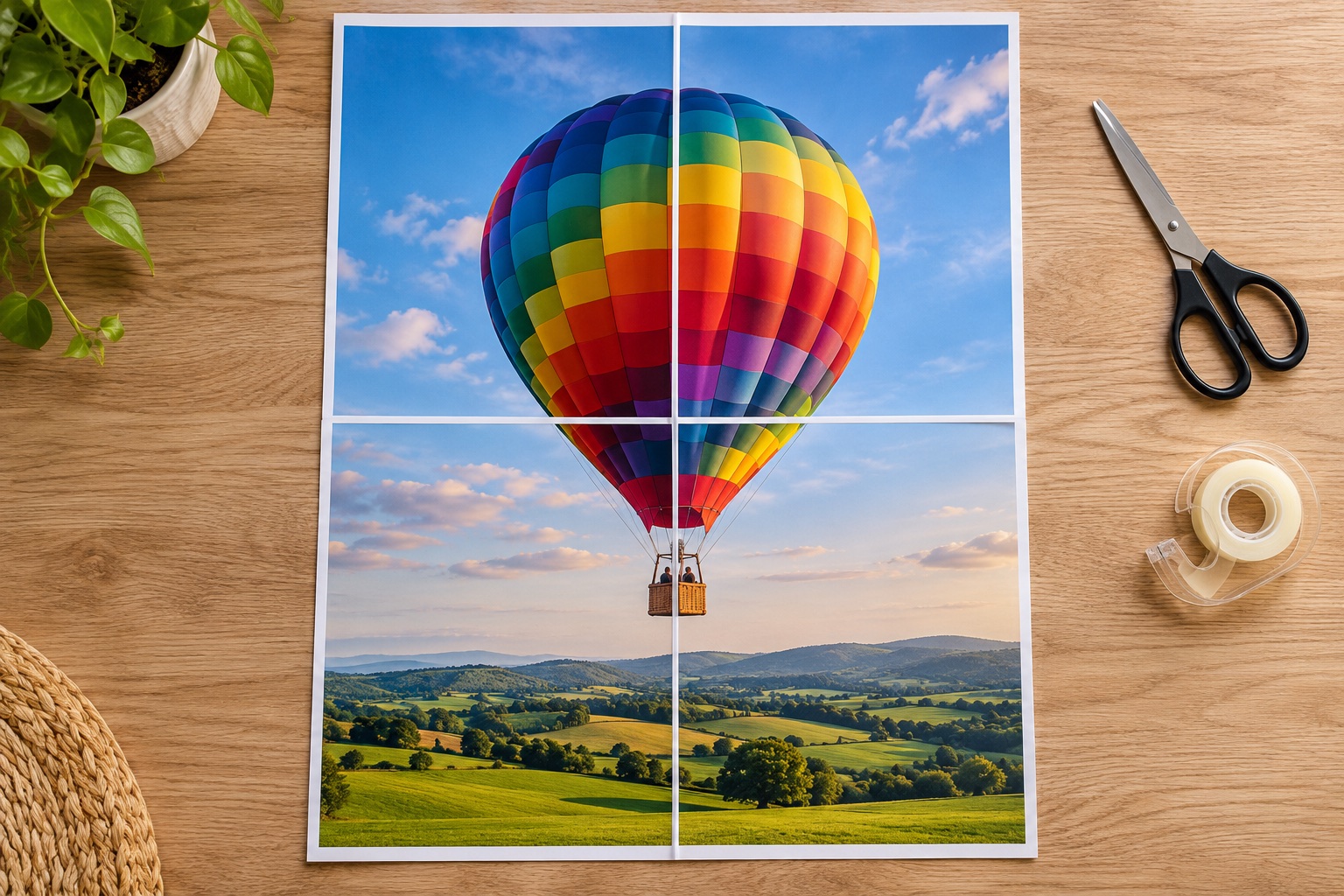
Choose A4, portrait, a 10 mm margin and 5 mm overlap, then select two sheets across. A 4:5 image becomes 375 × 468.75 mm and uses two columns by two rows: four poster sheets. The optional assembly map adds one separate PDF page, so it is not part of that four-sheet artwork.
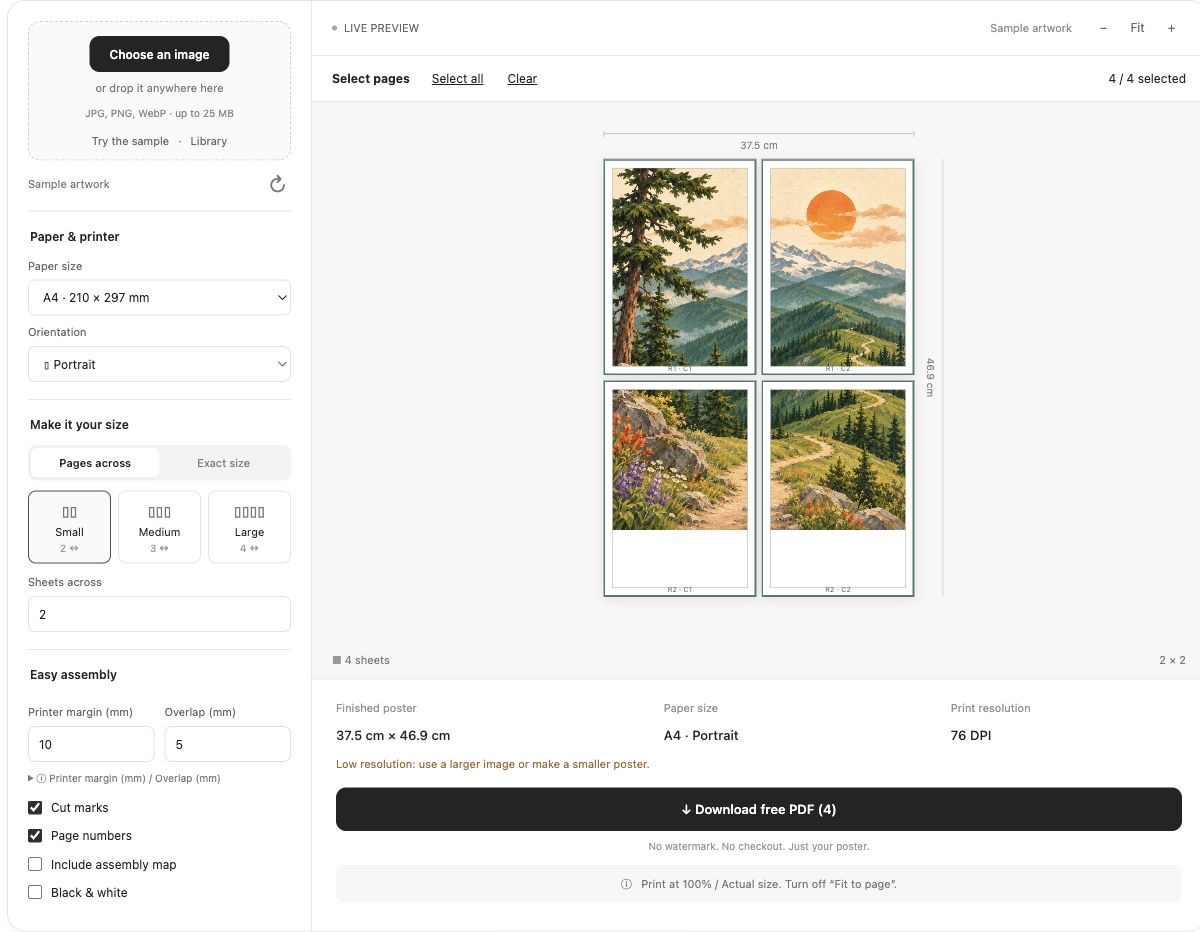
Check the shape before assuming the count
Two sheets across controls width, not total pages. With these settings the maximum continuous 2 × 2 image area is 375 × 549 mm. A tall, narrow image may need three rows; a panorama may need only one. The maker preserves proportions and does not stretch or crop the picture to force it into four pages.
Fit inside four sheets when needed
For an image ratio r = pixel width ÷ pixel height, a width no greater than min(375, 549 × r) mm fits within the A4 area above. Enter the result as Exact size and confirm the preview. It can use fewer than four sheets for extreme shapes. Print only the artwork pages at Actual size, then trim the repeated overlap and assemble.
Frequently asked questions
Why does my four-sheet poster PDF have five pages?
The optional assembly map is a separate guide page. Uncheck Include assembly map if you want the file to contain only the poster sheets.
Can I use Letter instead?
Yes. Select Letter first and check the updated grid. With portrait Letter, 10 mm margins and 5 mm overlap, the 2 × 2 image area is 386.8 × 513.8 mm.
Ready to put it on paper?
Upload your own image or choose a free library design. Check the size, select your pages and download a printable PDF.