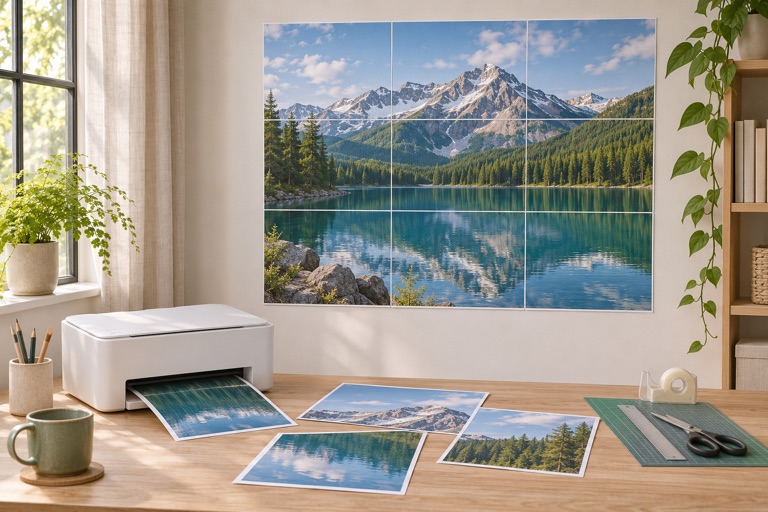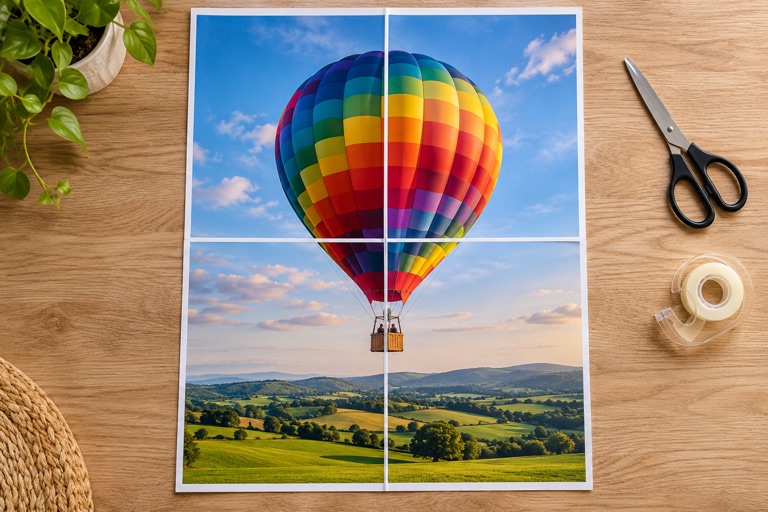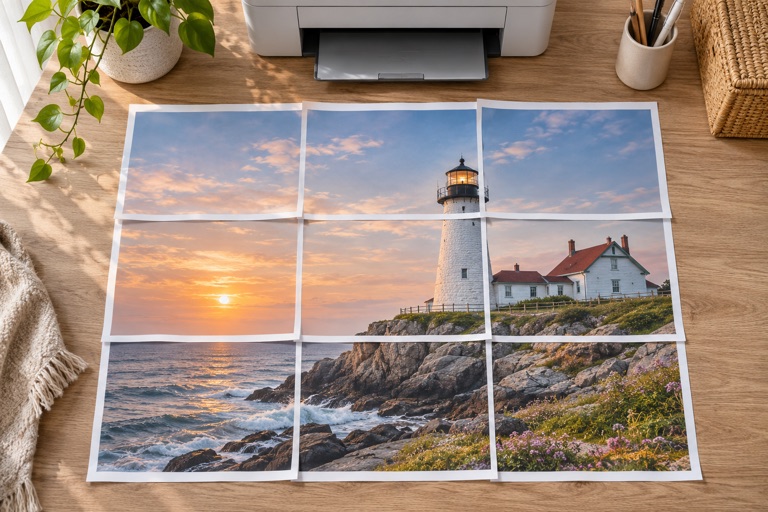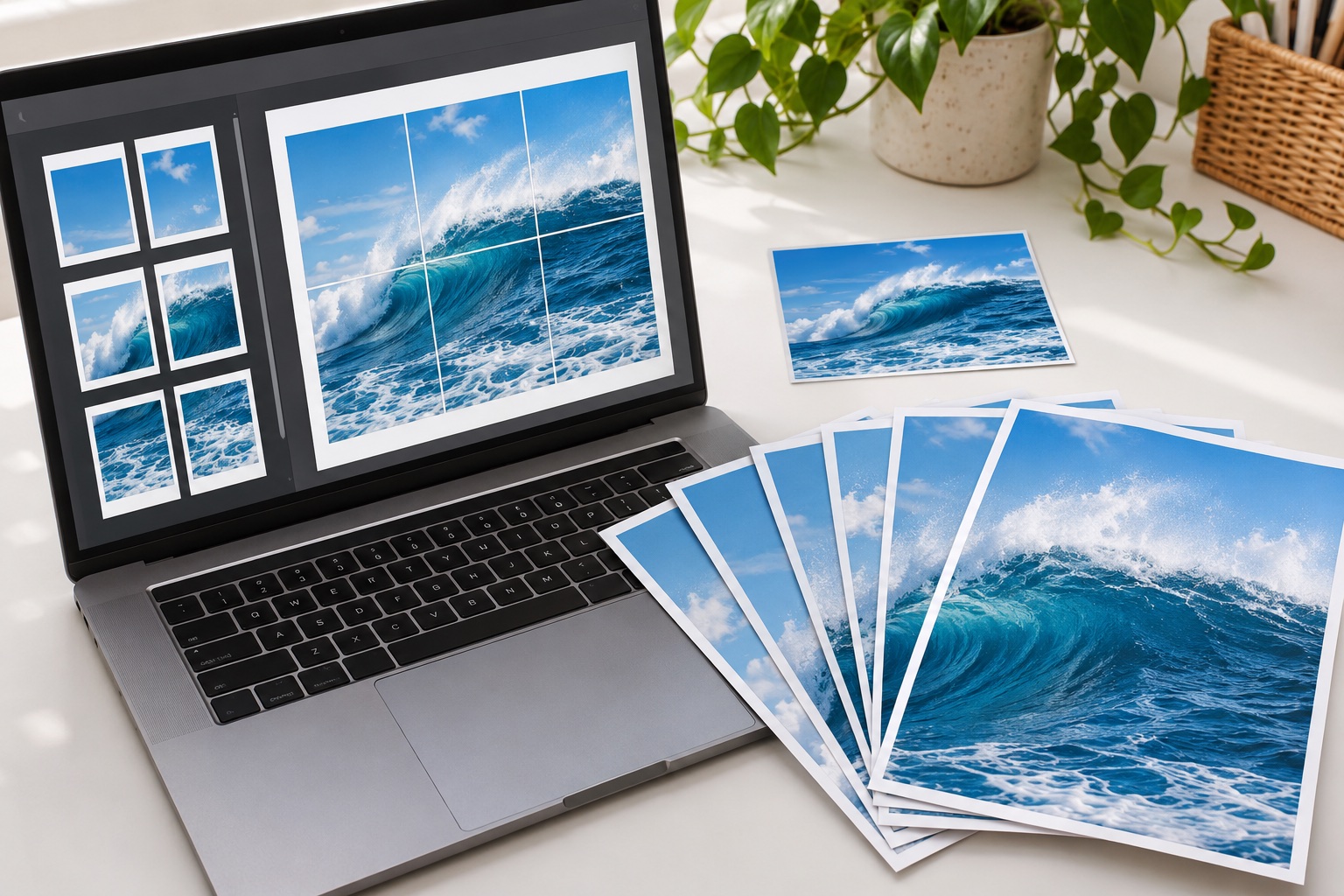
Pick the right input
Use JPG for a photo or PNG for artwork with text, lines or transparency. WebP also works. Files must be under 25 MB and at most 40 megapixels. The browser opens the image locally; this is not a PDF-to-PDF splitter, and it does not accept HEIC or uploaded SVG files.
Tell the PDF about your printer
Choose A4, Letter, A3 or Legal and the orientation that matches your printing plan. Leave a margin your printer can handle. Set sheets across for a quick enlargement, or use Exact size when the finished measurement matters. Review the grid and DPI before downloading.
Understand what the PDF contains
Each poster tile gets a page at the selected paper size; an optional assembly map comes first. Crop marks and page labels need at least 5 mm margins. The exported image is raster artwork rather than editable vectors, and transparent areas print white. Downloading again is free, with no account or daily quota.
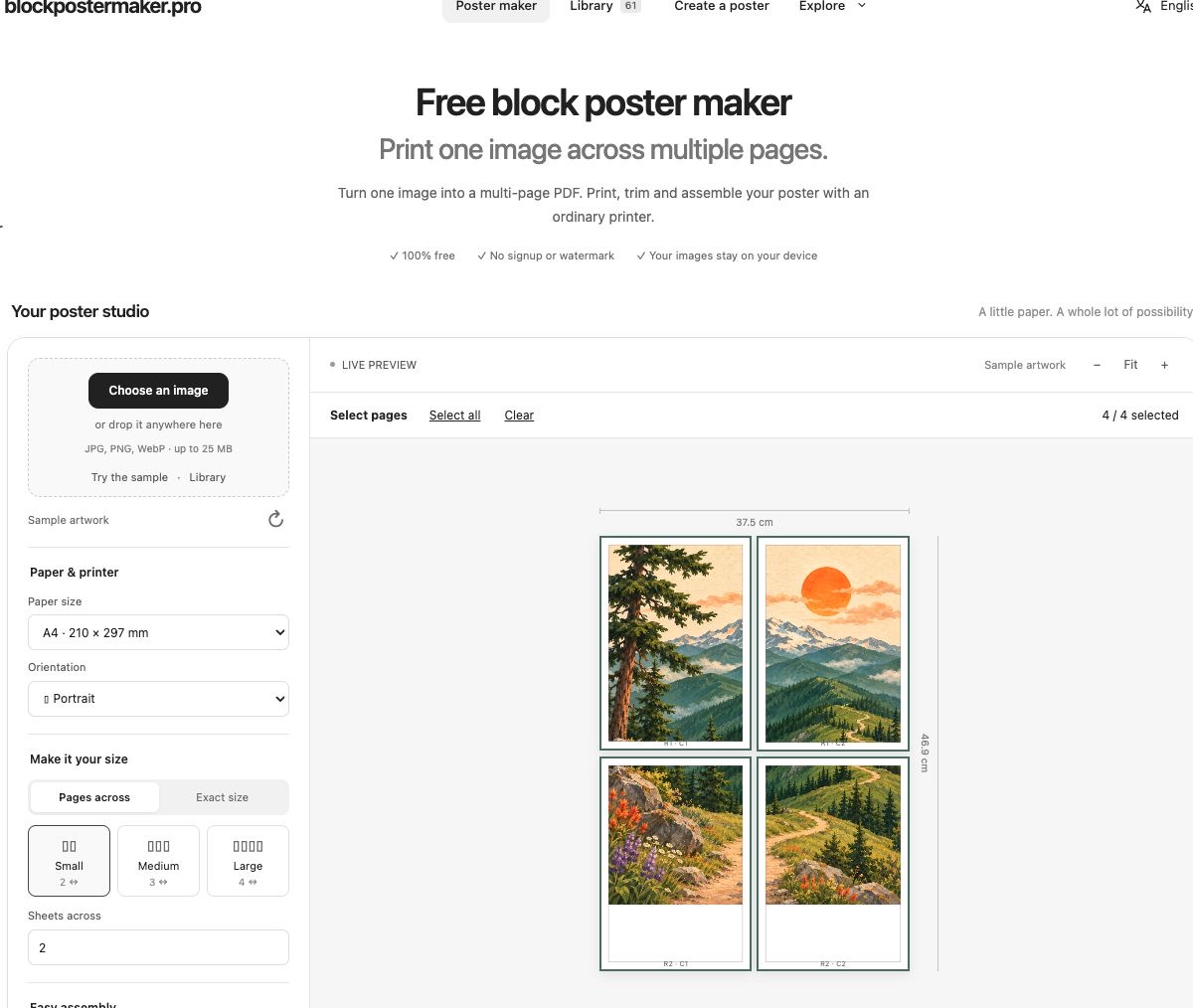
Convert an image to a poster PDF in 5 steps
Choose a clear JPG, PNG or WebP image
Select paper, orientation and poster size
Review margins, overlap, labels and assembly-map options
Select the tiles to include and download the PDF
Open the PDF and test one page at Actual size
Frequently asked questions
Will PDF automatically make the image higher resolution?
No. PDF holds the page layout; the image detail still comes from the source and working canvas. Check the DPI shown in the maker.
Does the PDF include a watermark?
No. Artwork pages contain the image and the optional assembly marks and page numbers, with no brand watermark.
Ready to put it on paper?
Upload your own image or choose a free library design. Check the size, select your pages and download a printable PDF.