Choose your image
Use a photo, illustration or design. Your file is processed in your browser and never uploaded.
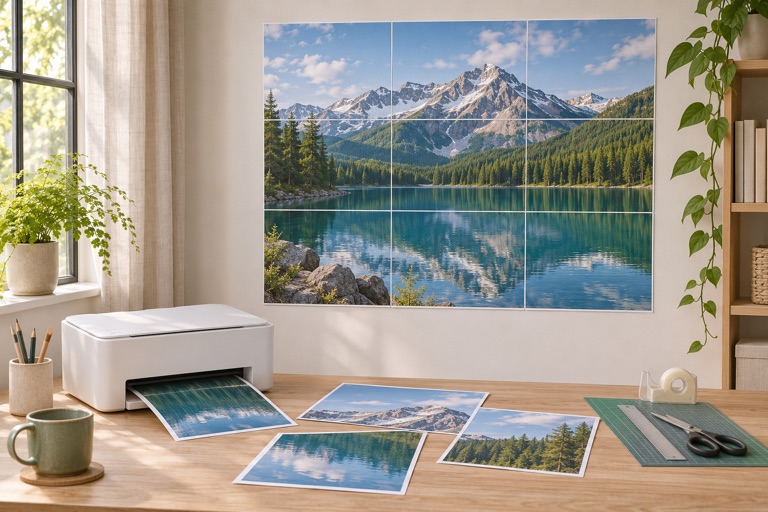
Turn one image into a multi-page PDF. Print, trim and assemble your poster with an ordinary printer.
A little paper. A whole lot of possibility.

No watermark. No checkout. Just your poster.
Use a photo, illustration or design. Your file is processed in your browser and never uploaded.
Pick your paper, choose the number of sheets across, or enter an exact width or height. Check every tile before printing.
Download your PDF, print at actual size, then follow the page numbers to assemble your poster.
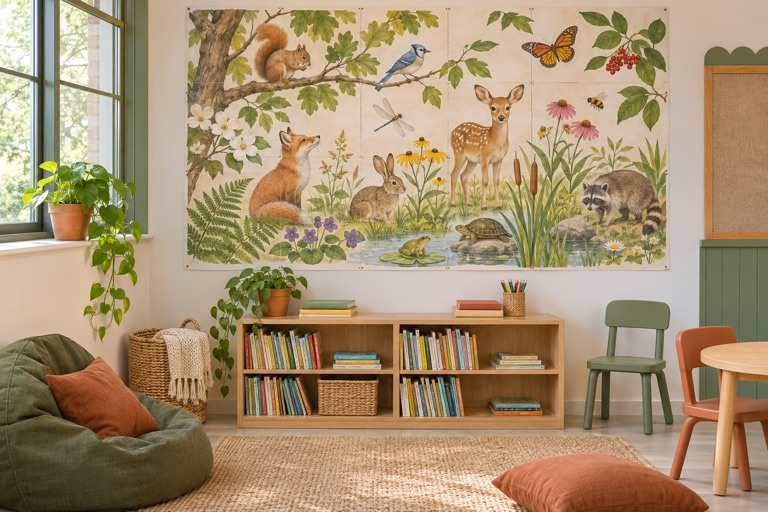
Classroom-ready artwork, curious creatures and big ideas. Pick a design and make it your own size.
Library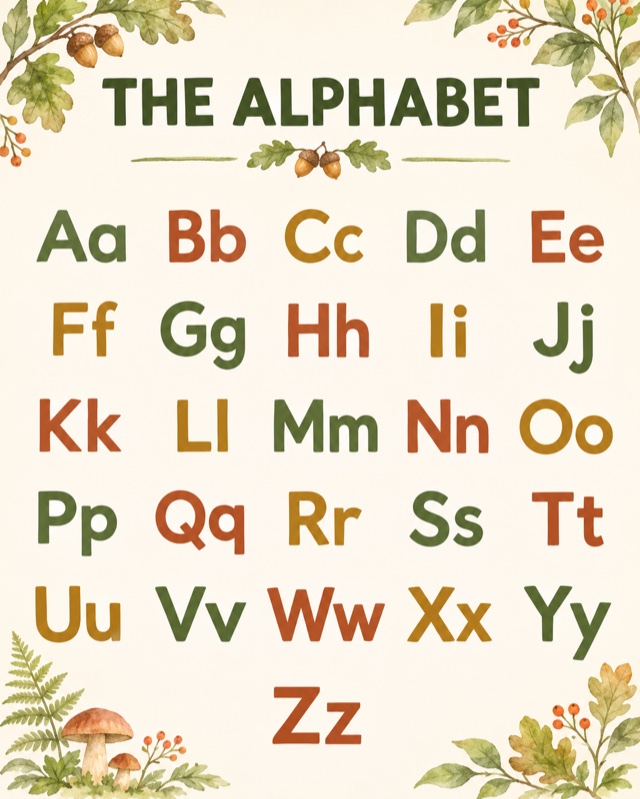
Choose a project to see what to prepare, how to size it and what to test before printing.
See all poster projectsMake alphabet walls, number displays and learning stations with the school printer. Start from free educational artwork or bring your own teaching material.
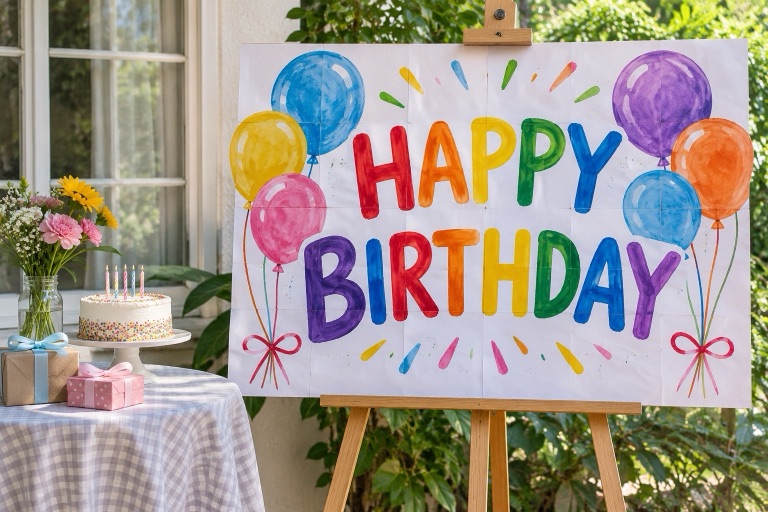
How to make itTurn a finished birthday design, welcome sign or photo collage into a tiled party poster. Print it at home and build the display one sheet at a time.
How to make itTurn a favorite photo or illustration into affordable wall art using ordinary A4 or Letter sheets. Preview the joins and finished size before using ink.
How to make itPrint a bold sale notice or a separate direction sign for your entrance, noticeboard or approved neighborhood location.
How to make itLearn how to print an image on multiple pages, set up A4 paper, and trim and assemble your poster.
Make a tiled poster from your own image: choose paper, check dimensions, export a PDF and assemble the sheets.
Read the guide →02A worked A4 example, paper choices and print settings for a poster that joins at the intended size.
Read the guide →03Prepare your table, trim the correct edges and join numbered tiles without losing the picture.
Read the guide →See the differences in printing workflow, creative features and free access.
Yes. Image splitting, PDF downloads, cut marks and assembly maps are free. There is no account, subscription or watermark. You only supply paper and ink.
Yes. Choose the paper loaded in your printer, then set the number of sheets across or the finished poster width. The preview shows the page count and final size.
Leave a printer margin and add 5 mm of overlap. Trim one copy of each repeated edge, align the matching artwork, then tape the sheets from the back.
The resolution indicator estimates pixels per printed inch. Around 150 DPI is useful for posters viewed from a distance; closer viewing benefits from 300 DPI. Enlarging a small image does not create missing detail.
No. Images and PDFs are processed locally in your browser. Reloading or leaving the page clears the current project.
Choose Actual size or 100% in your PDF print dialog. Disable Fit to page and duplex printing, and use the same paper size selected in the maker.