Crop the picture to the subject first
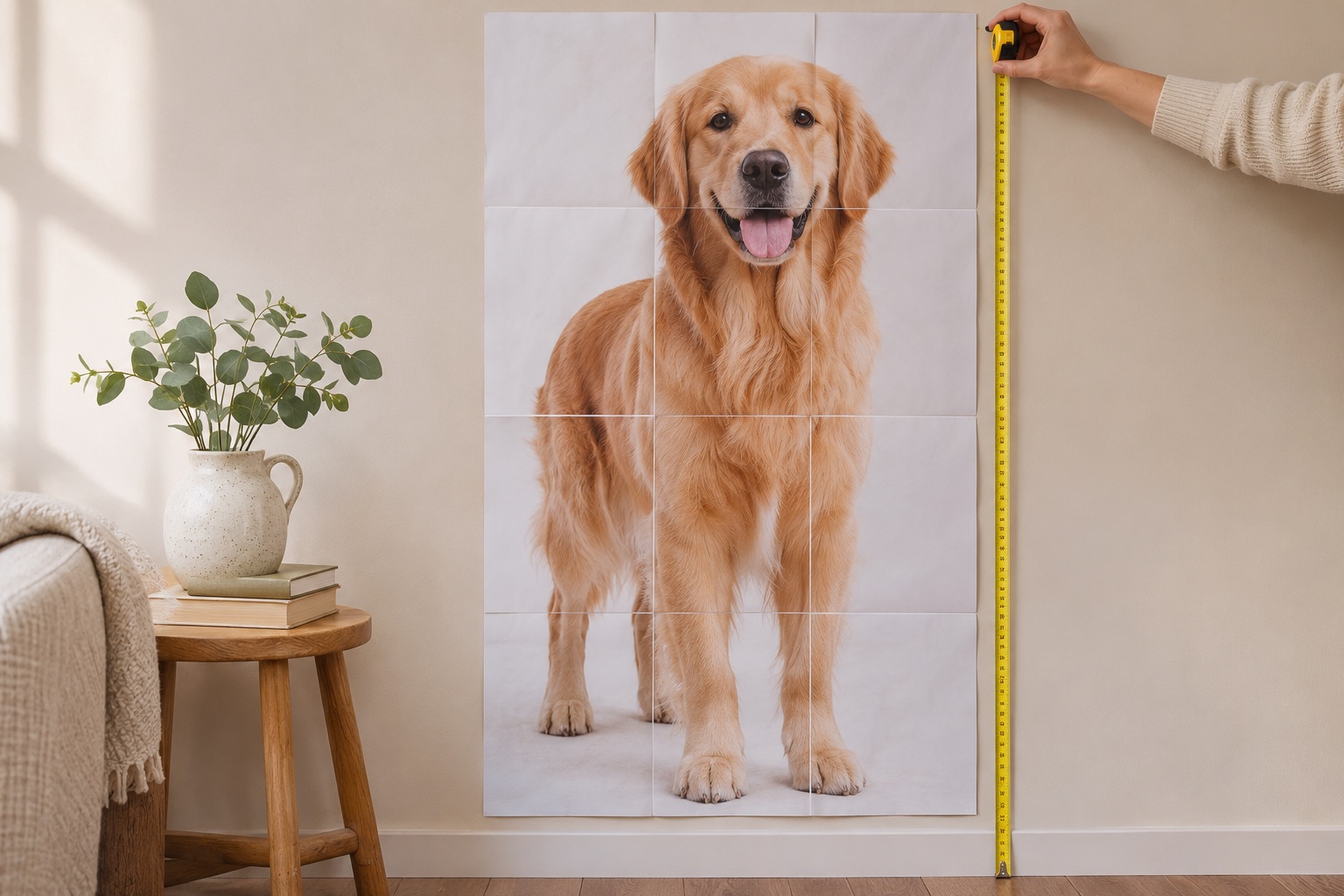
A full-image height includes any empty sky, floor or border around the subject. For a person intended to be 170 cm tall, crop tightly from head to foot in your image editor. The maker prints the whole imported rectangle and cannot identify the person’s height for you. Keep the source proportions intact.
Enter the height directly
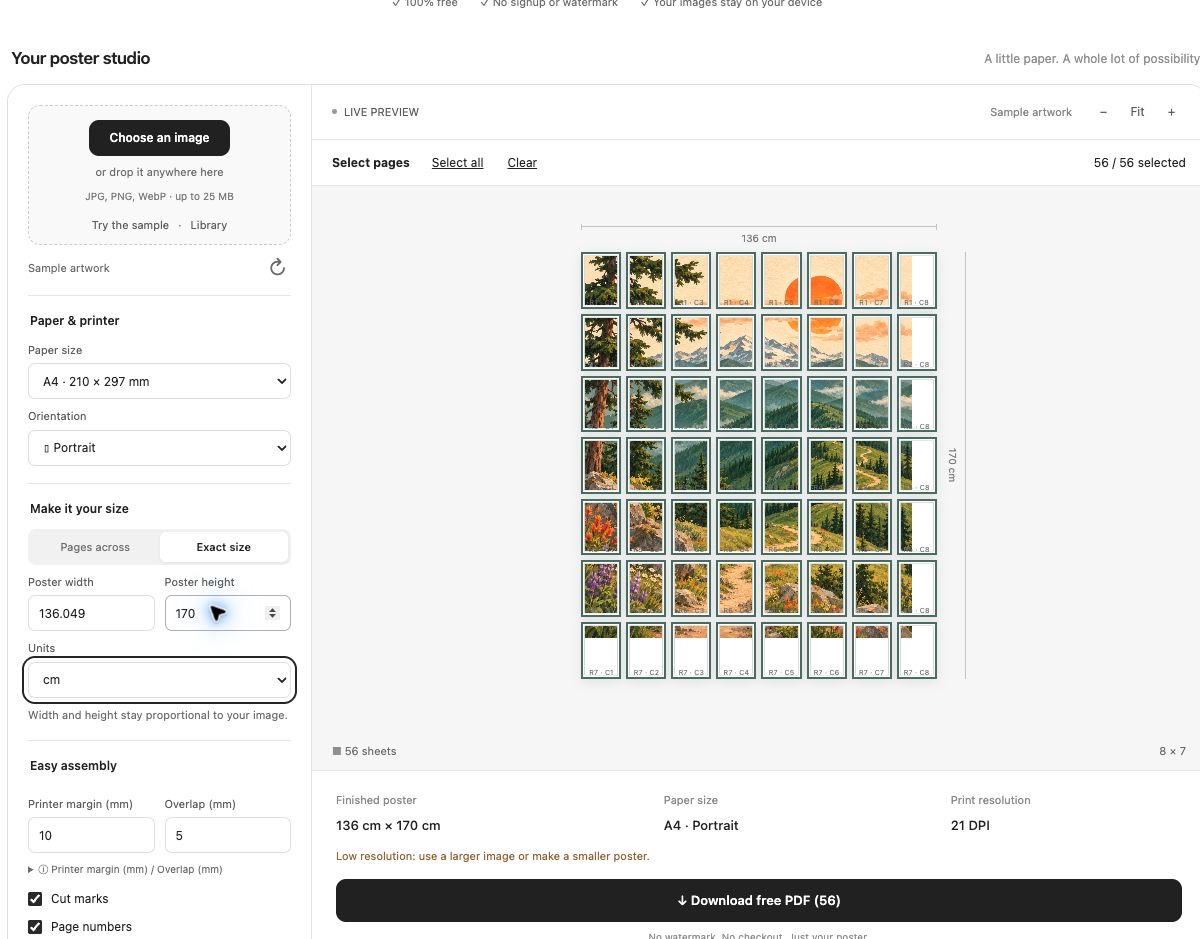
Select Exact size, choose cm, and enter 170 in Poster height. For a cropped image 1000 pixels wide and 2500 pixels tall, Poster width updates to 68 cm automatically. Check the finished dimensions of 68 × 170 cm. Editing either dimension preserves the image proportions.
Check sharpness and page count
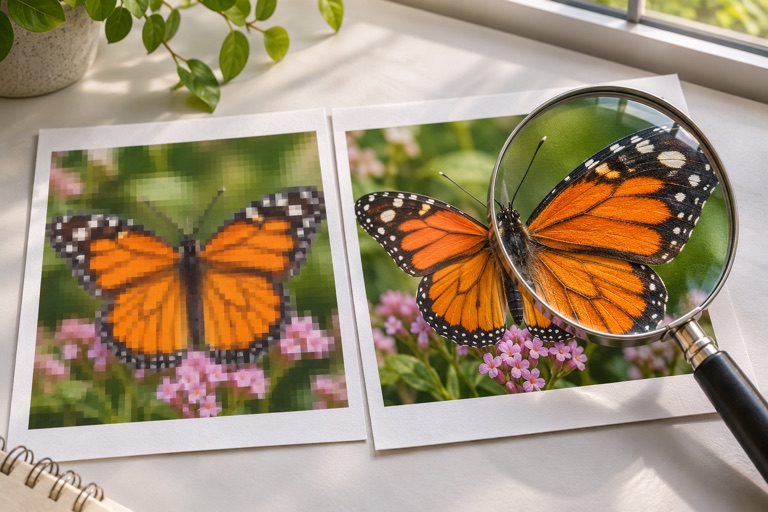
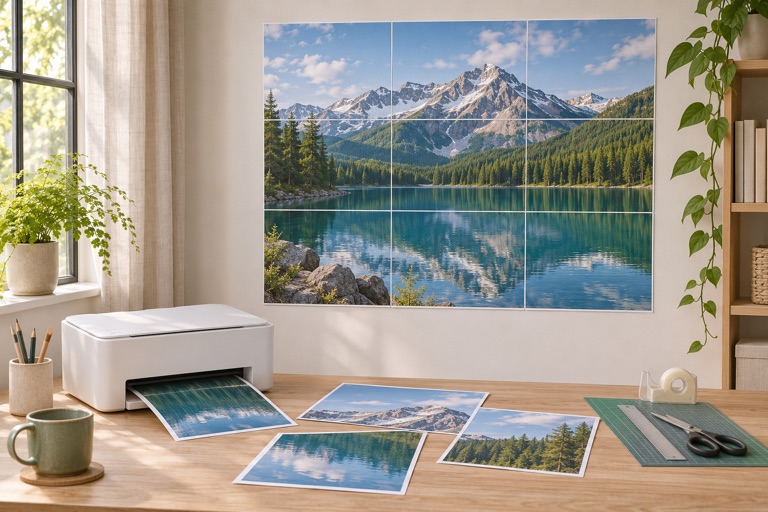
A life-size photo needs many source pixels. Watch the effective DPI indicator and reduce the size if the result will be viewed close up. Export includes up to 150 poster sheets. First print a tile containing a known feature, measure it at 100%, then assemble the rest and attach to a flat backing if needed.
Frequently asked questions
Is entering a person’s height enough?
Only if the image is tightly cropped to their full height. Otherwise calculate the person’s share of the canvas, or crop first, so the border is not counted as part of their height.
Can I create a cutout automatically?
No. This tool creates rectangular tiled artwork. Prepare a transparent background in another editor and cut the printed silhouette manually if needed.
Ready to put it on paper?
Upload your own image or choose a free library design. Check the size, select your pages and download a printable PDF.